CMS
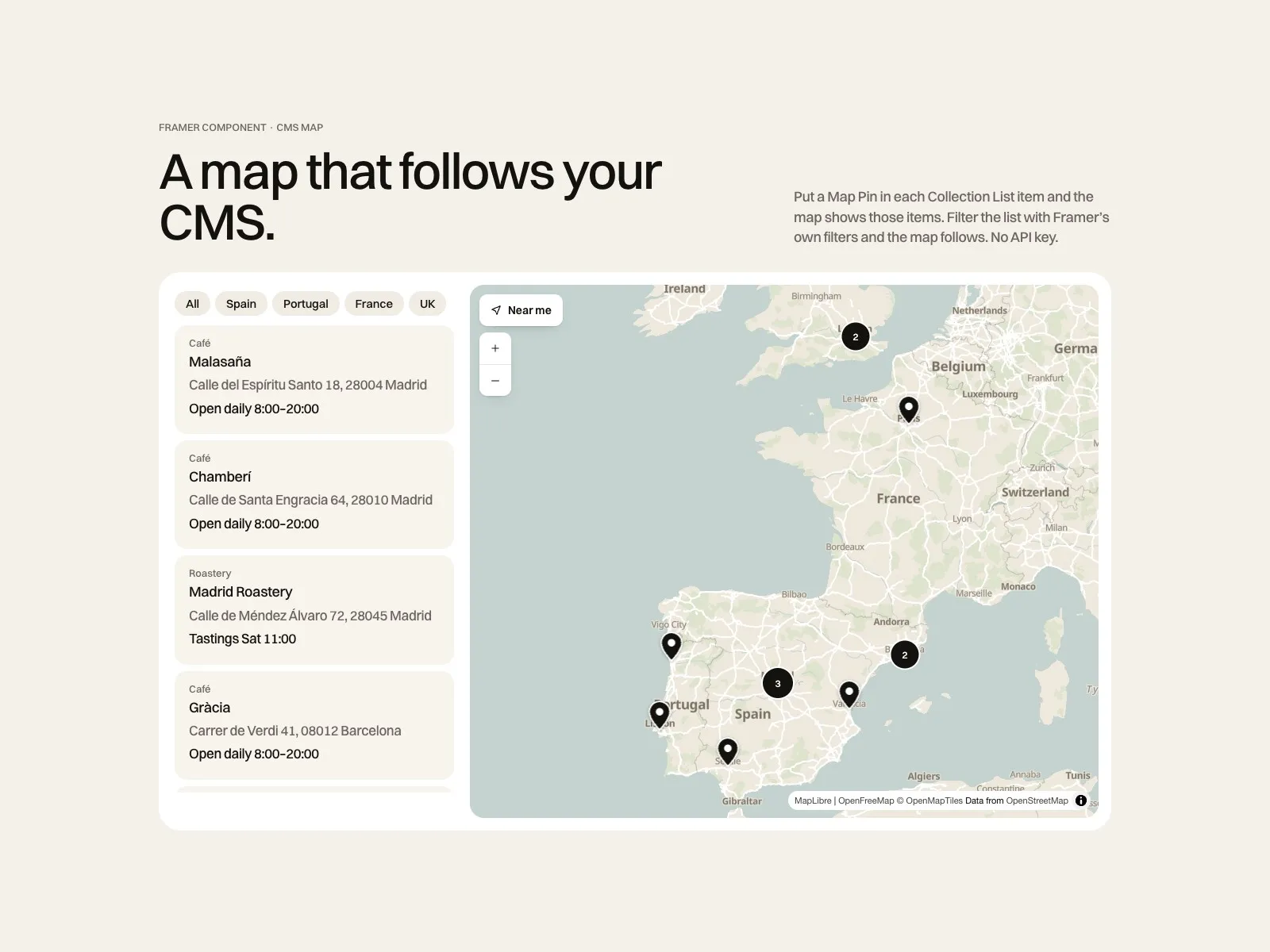
CMS Locations Map
A map that follows your CMS$19- Pins come from a native Collection List, so Framer's filters and sorting move the map
- Brand colours, clusters, directions and Near me
- No API key and no account to set up
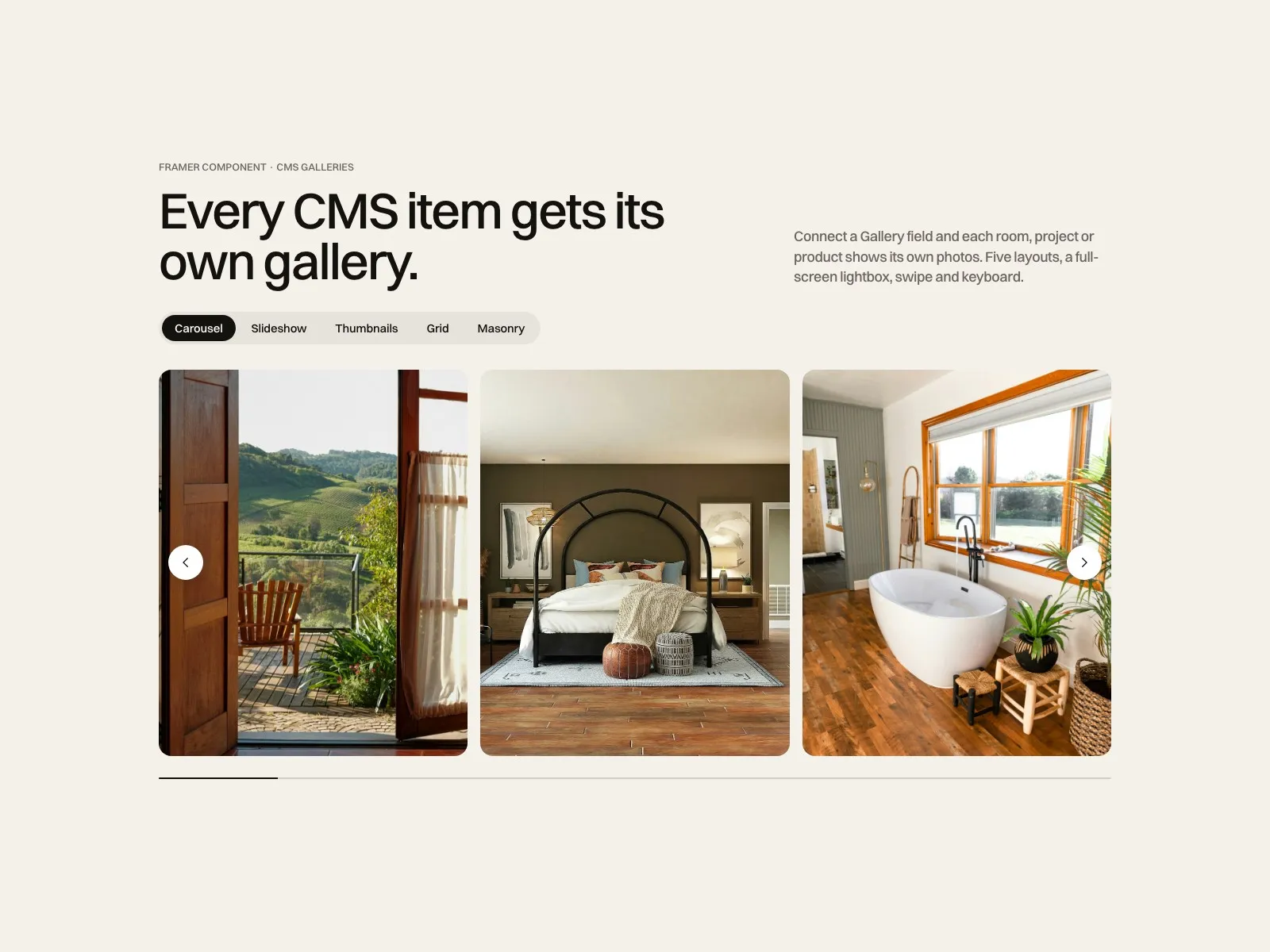
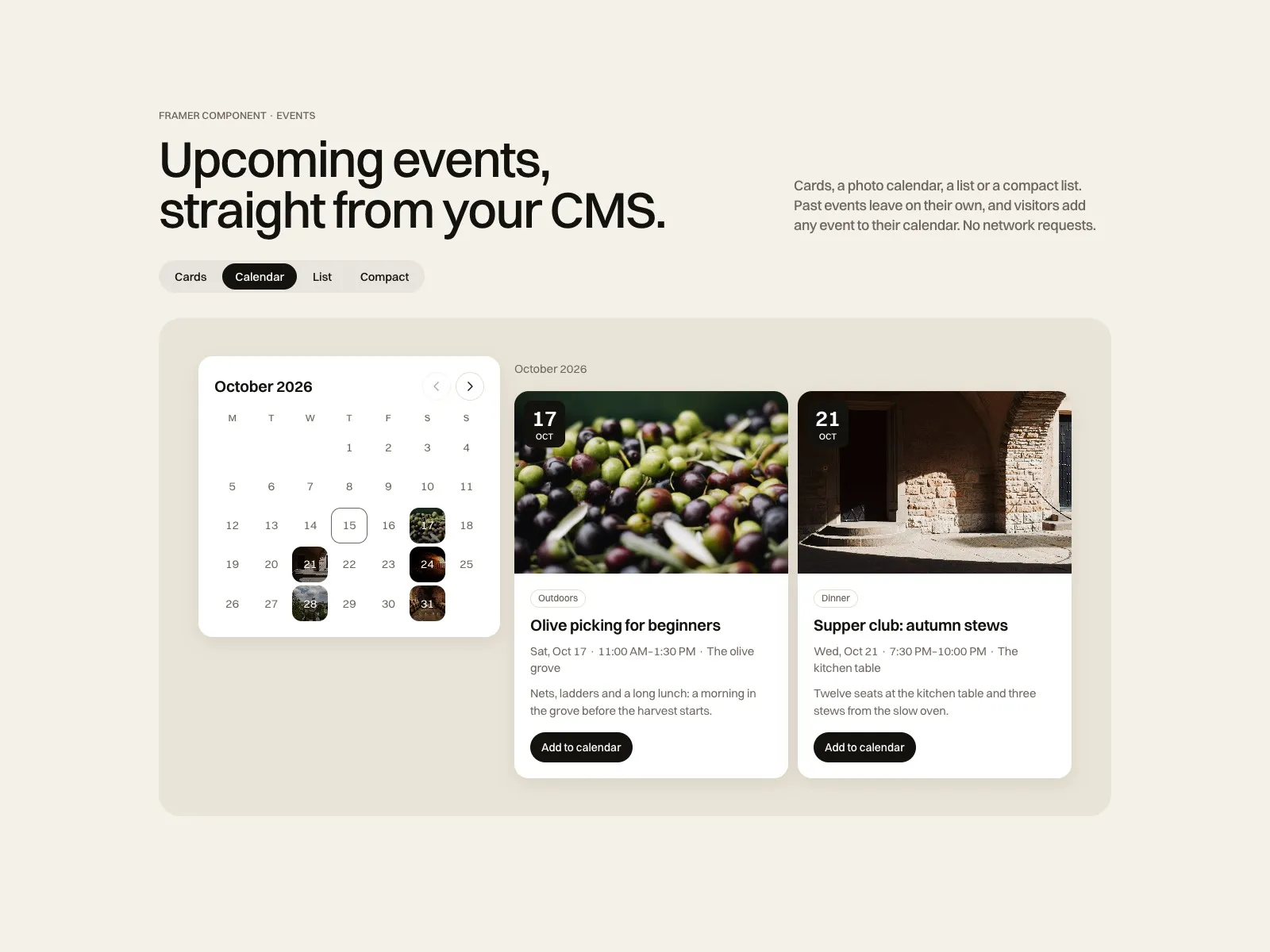
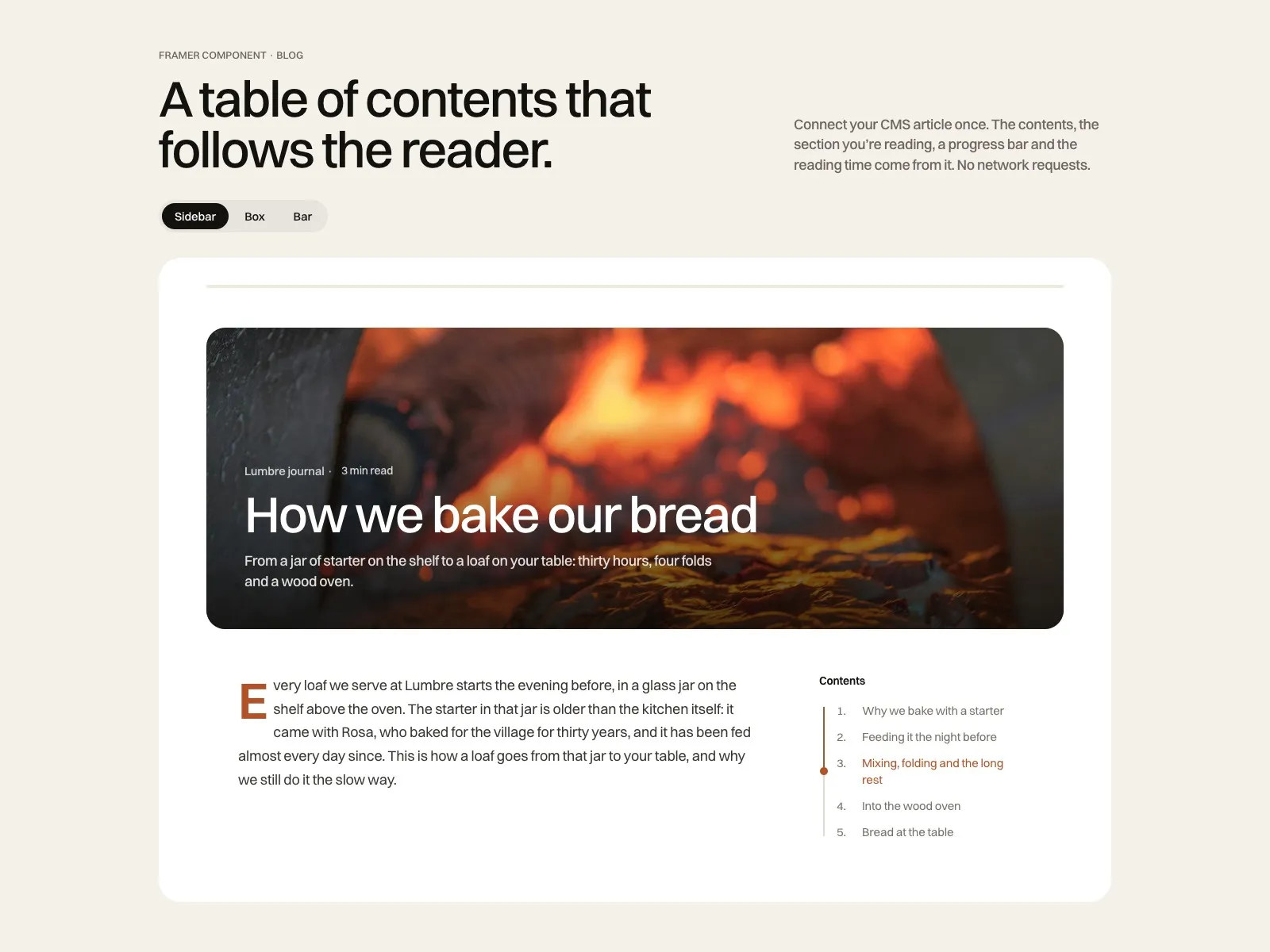
A map, galleries and events fed by your CMS, a table of contents for your blog, Google reviews, SaaS pricing, hotel booking and opening hours. Each one is a code component that takes your fonts and colours from the panel, with a live demo and documentation.
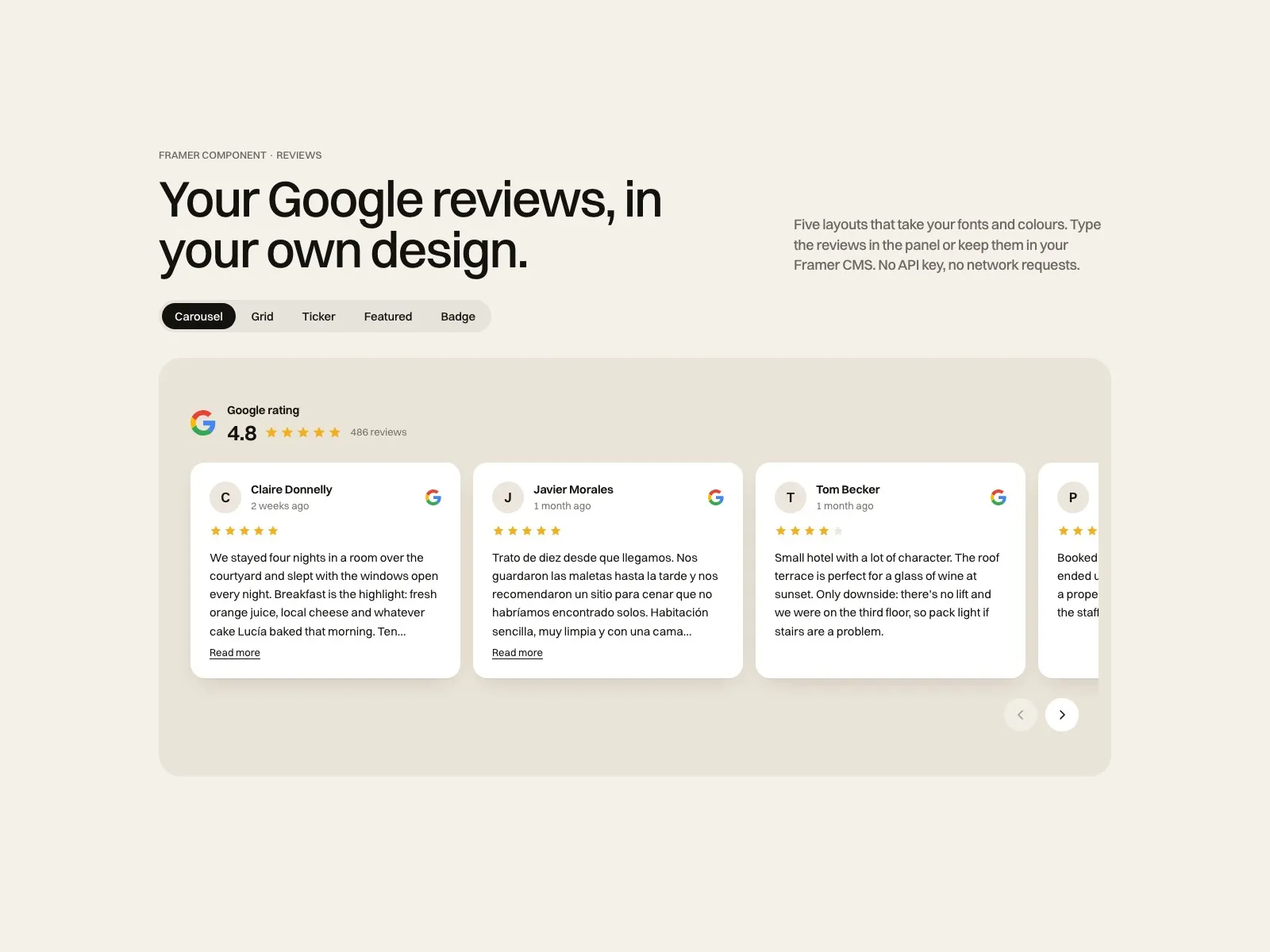
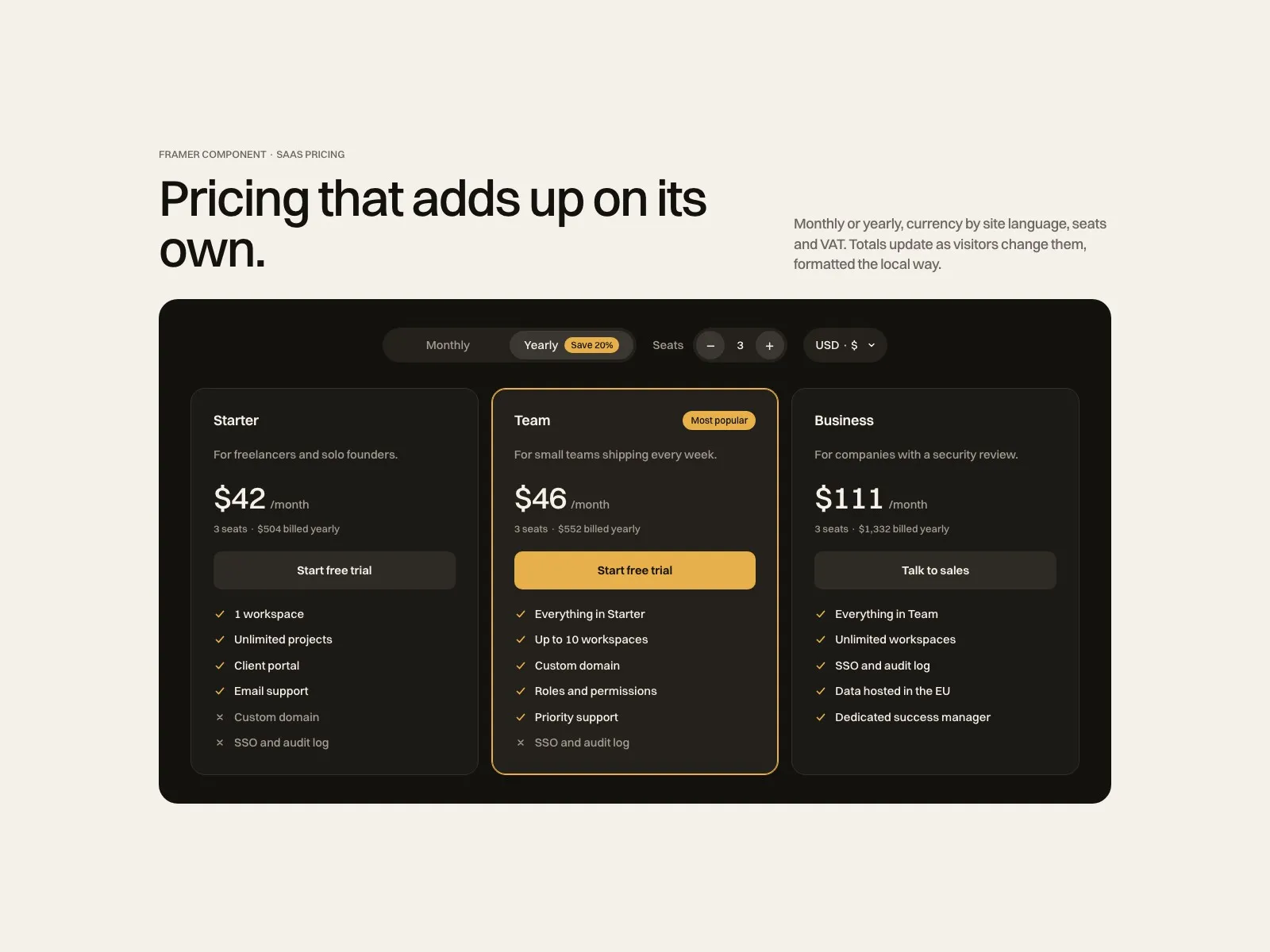
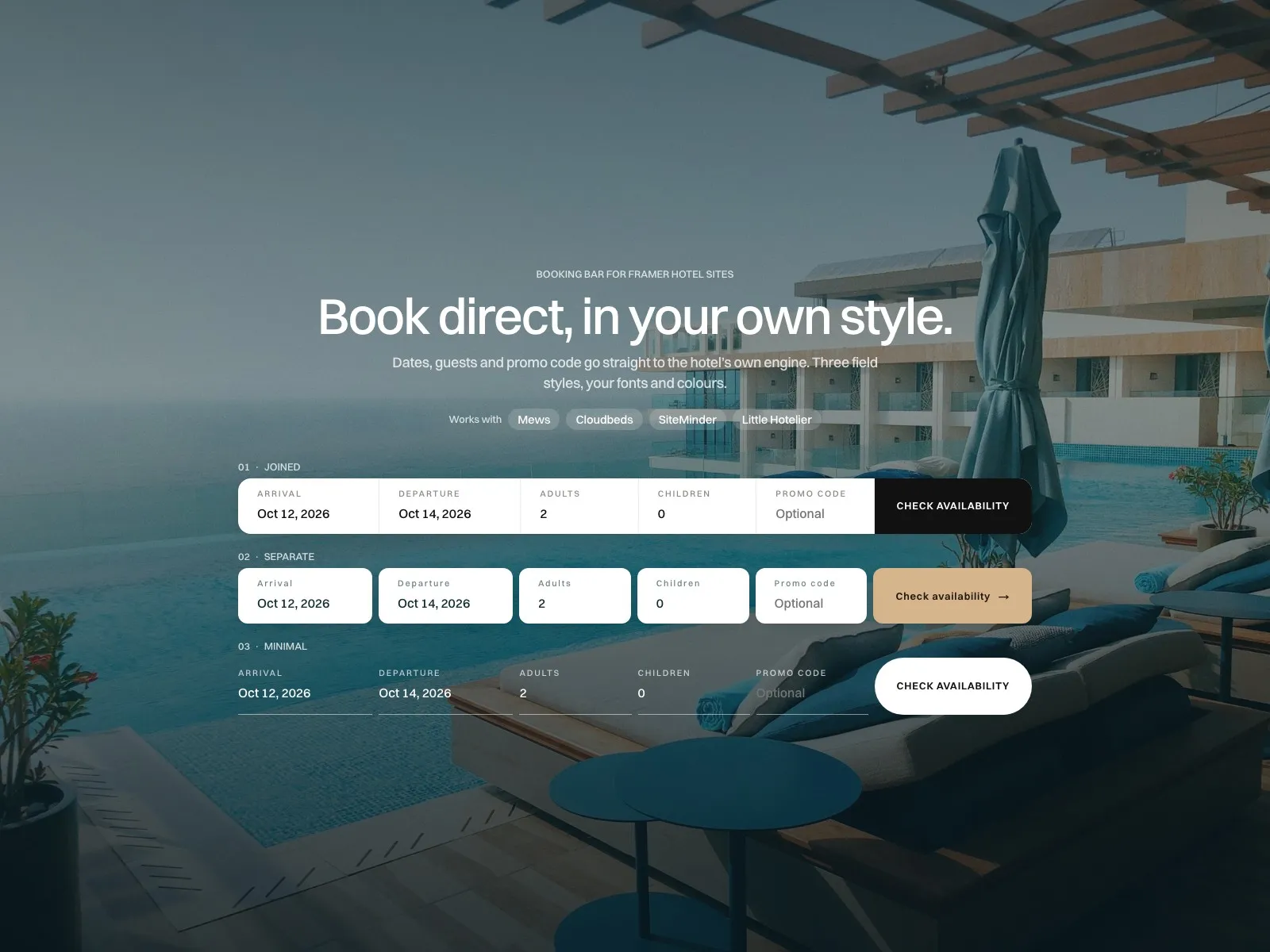
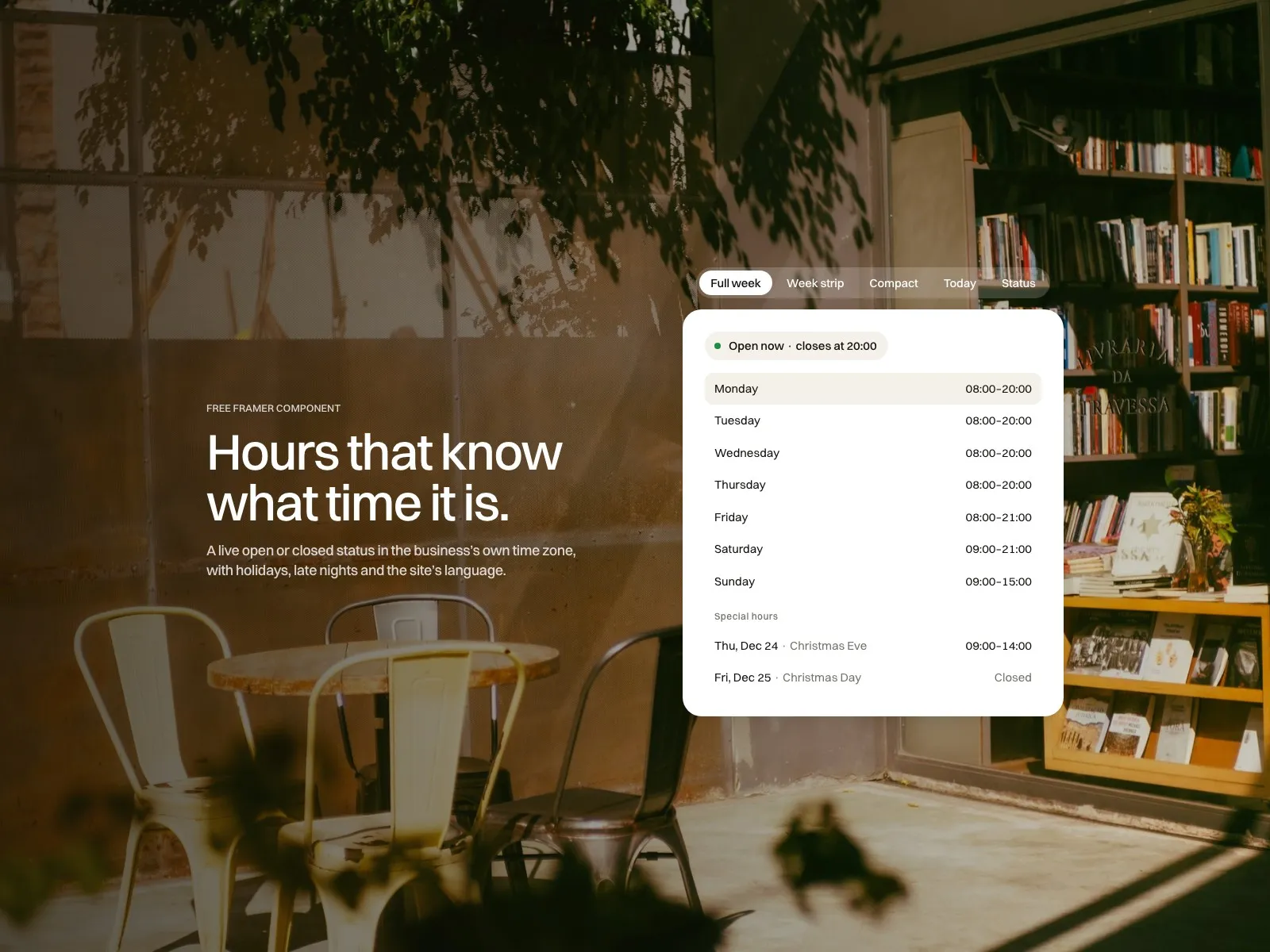
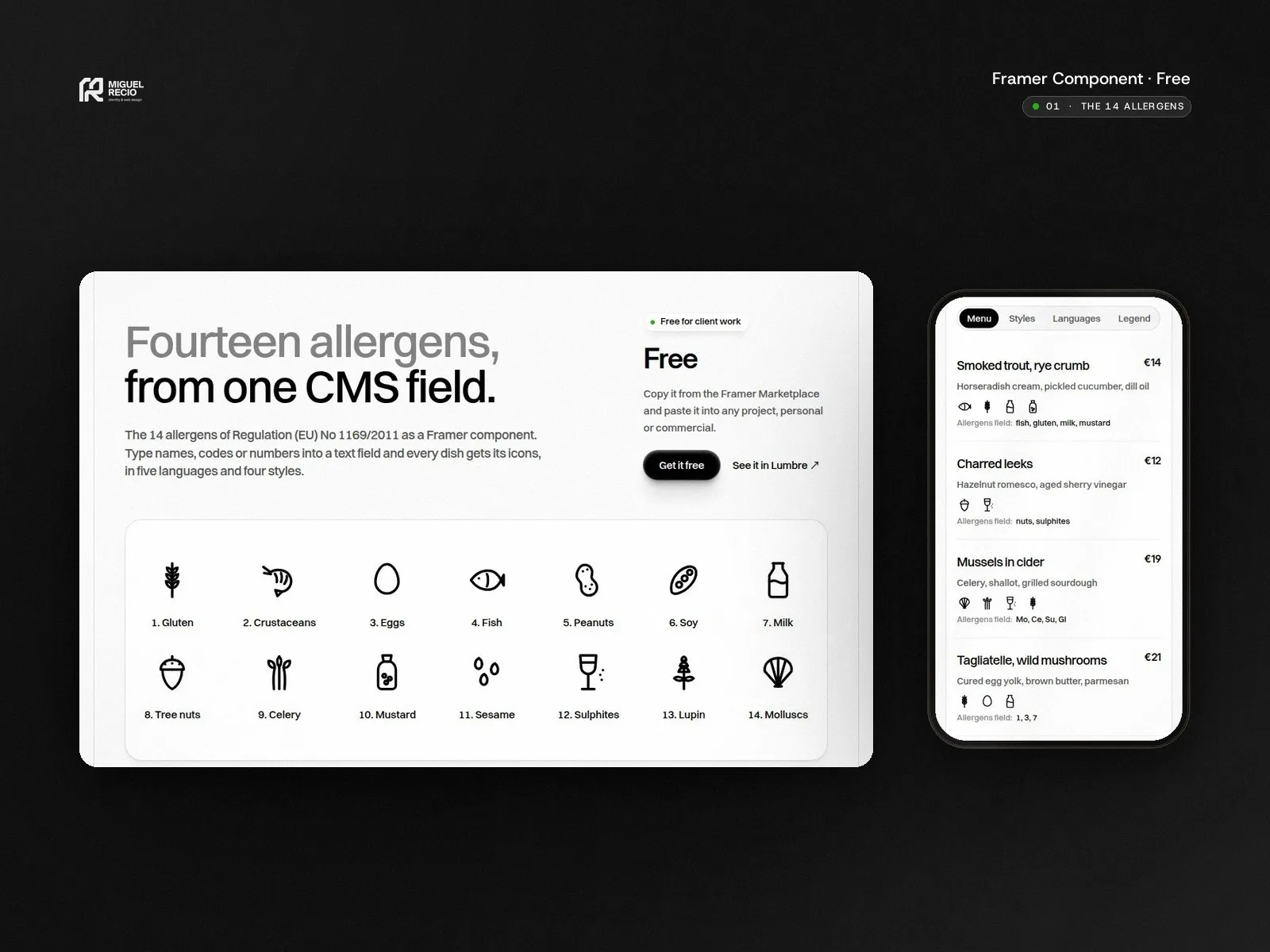
Add it to your Framer project and set everything from the properties panel. No code to touch.
Fonts, colours, radius and spacing come from the panel, so the component looks like the rest of the site.
See it working before you buy, then follow the documentation step by step.
Questions answered by me within two business days. New versions are free.
Get it
Free components install straight from the Framer Marketplace. Paid ones check out through Polar, with VAT handled and an invoice.
Add it
Open the component link from the Marketplace or your receipt and it lands in your Framer project, ready to drop on the page.
Set it up
Follow the documentation, check it in the preview and publish.
Yes. Each licence covers one designer and unlimited client projects. Reselling or sharing the component is not allowed.
Yes. They don’t depend on any template: they work in any Framer project, including the templates on this site.
New versions are free and listed in each component’s documentation. To update, insert the component again from its Marketplace page and copy your settings across.
Support covers setting the component up and any bug in it, answered within two business days. It does not cover custom design. Refunds follow the Framer Marketplace policy.


