Real estateFramer template
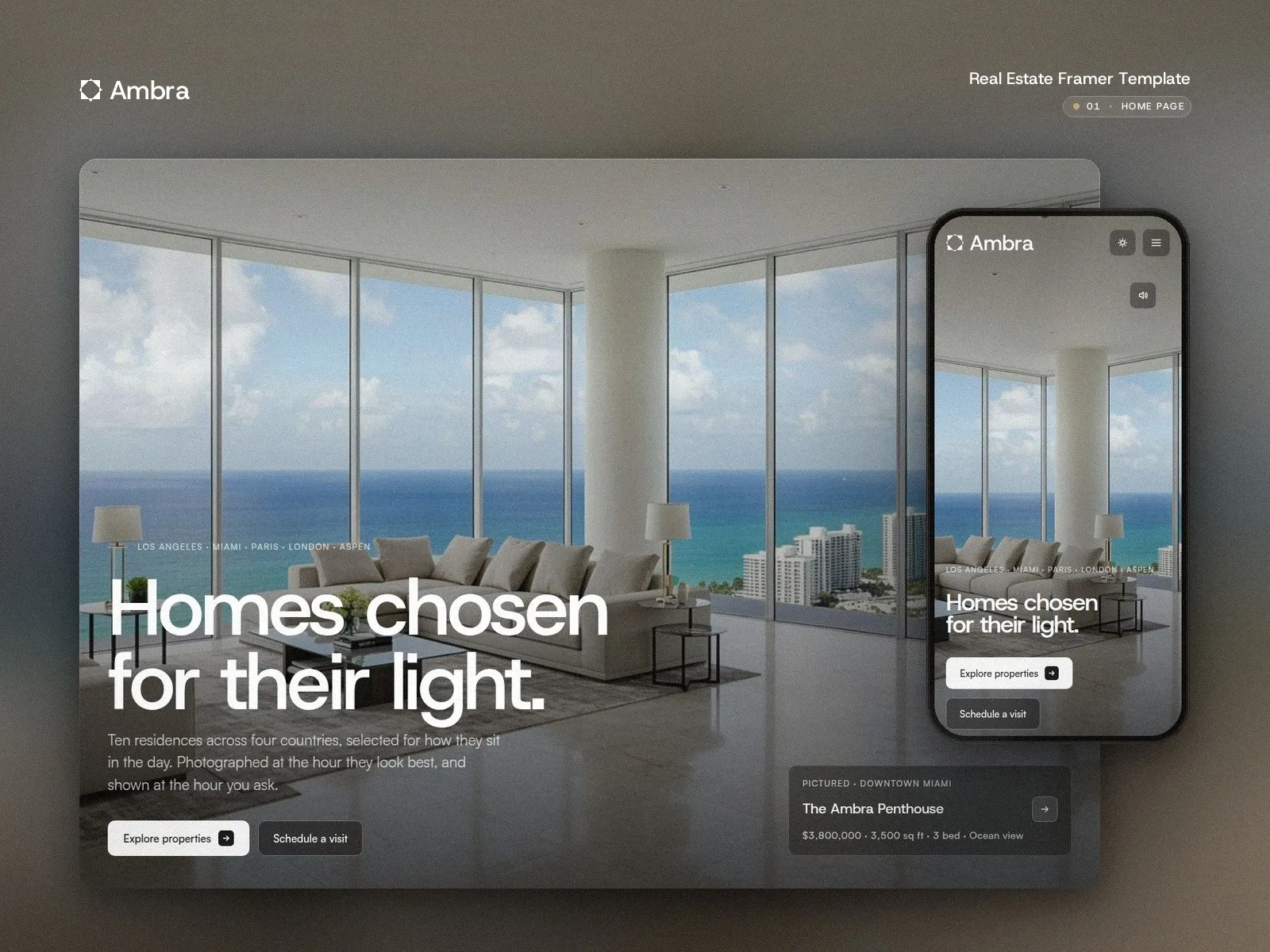
A shortlist of homes, shown at their best hour.
Listings with real filters, a property page that reads like a dossier, the agent next to every home and a Sell page built to win new listings. In light and dark. For agencies that sell a shortlist, not a catalogue.
Rather not set it up yourself? I do it for you, from $690
- 16Pages
- 5CMS collections
- 2Themes
- 4Breakpoints
Version 1.0 · Released October 2026 · Built in Framer, with small code components for the gallery, floor plan zoom, map, icons and theme toggle
What you get
- 16 pages: Home, Properties and property page, Areas and area page, Agents and agent page, Journal and note, About, Sell, Contact, three legal pages, Licenses, 404 and a Style guide.
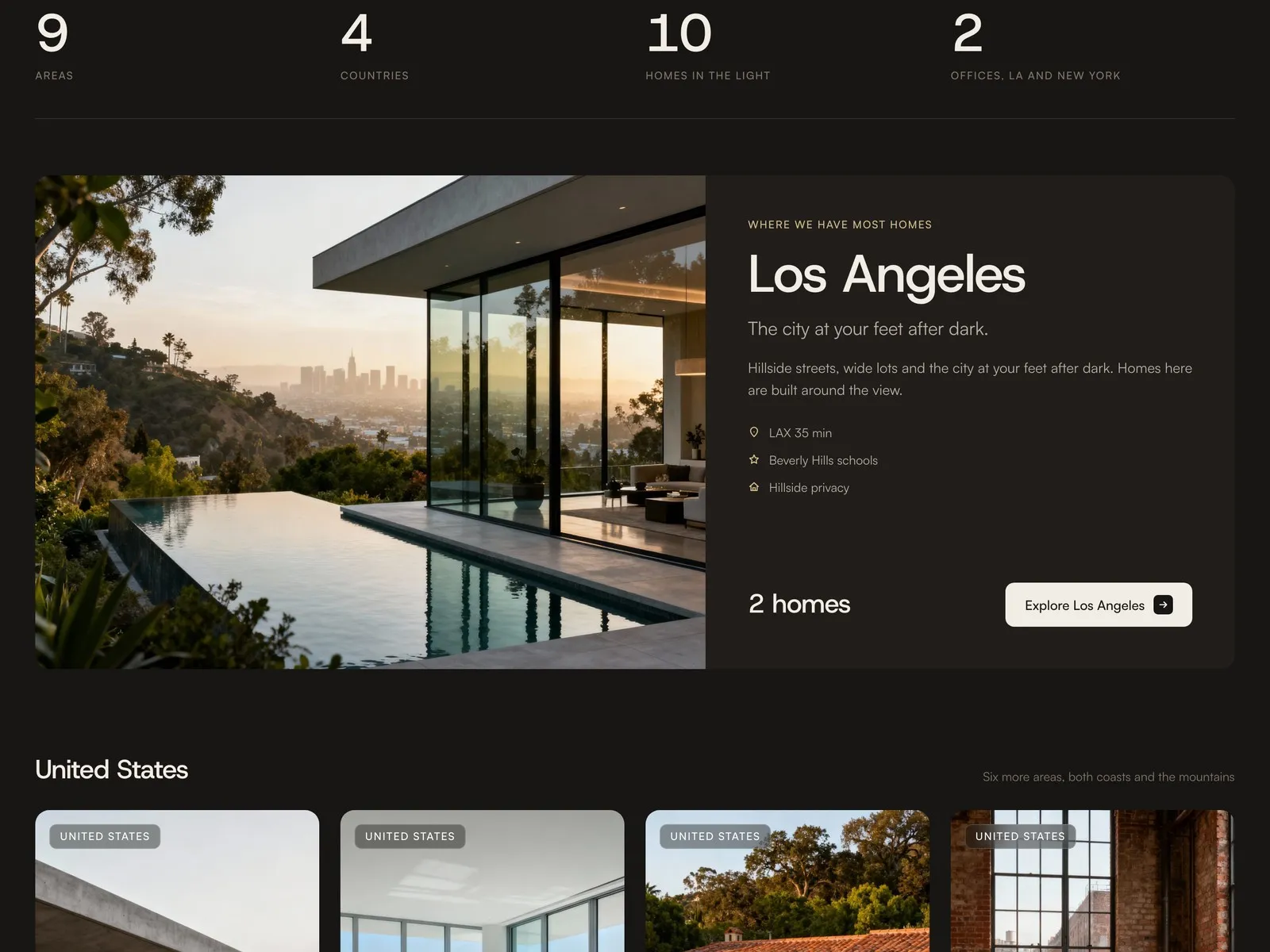
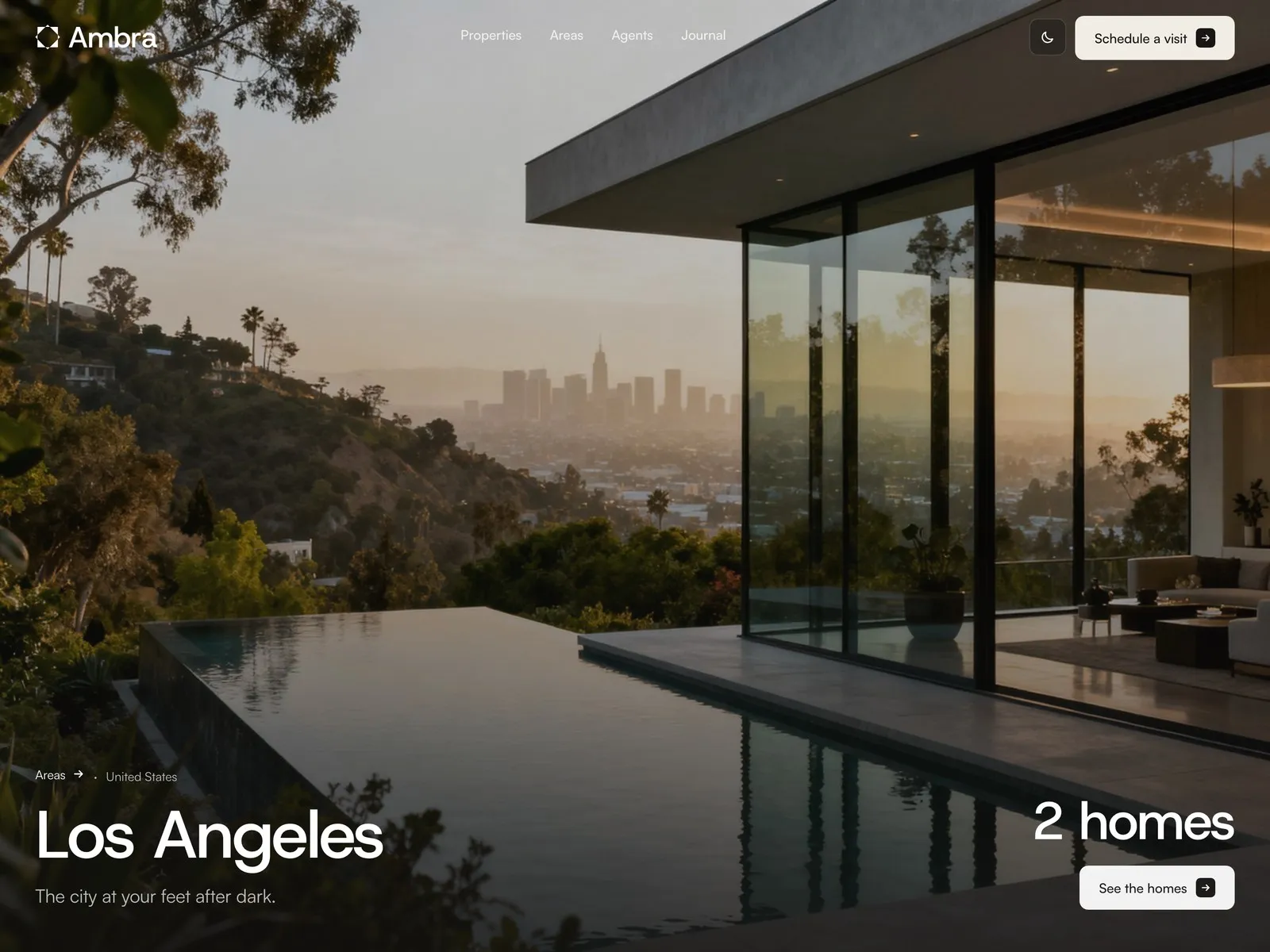
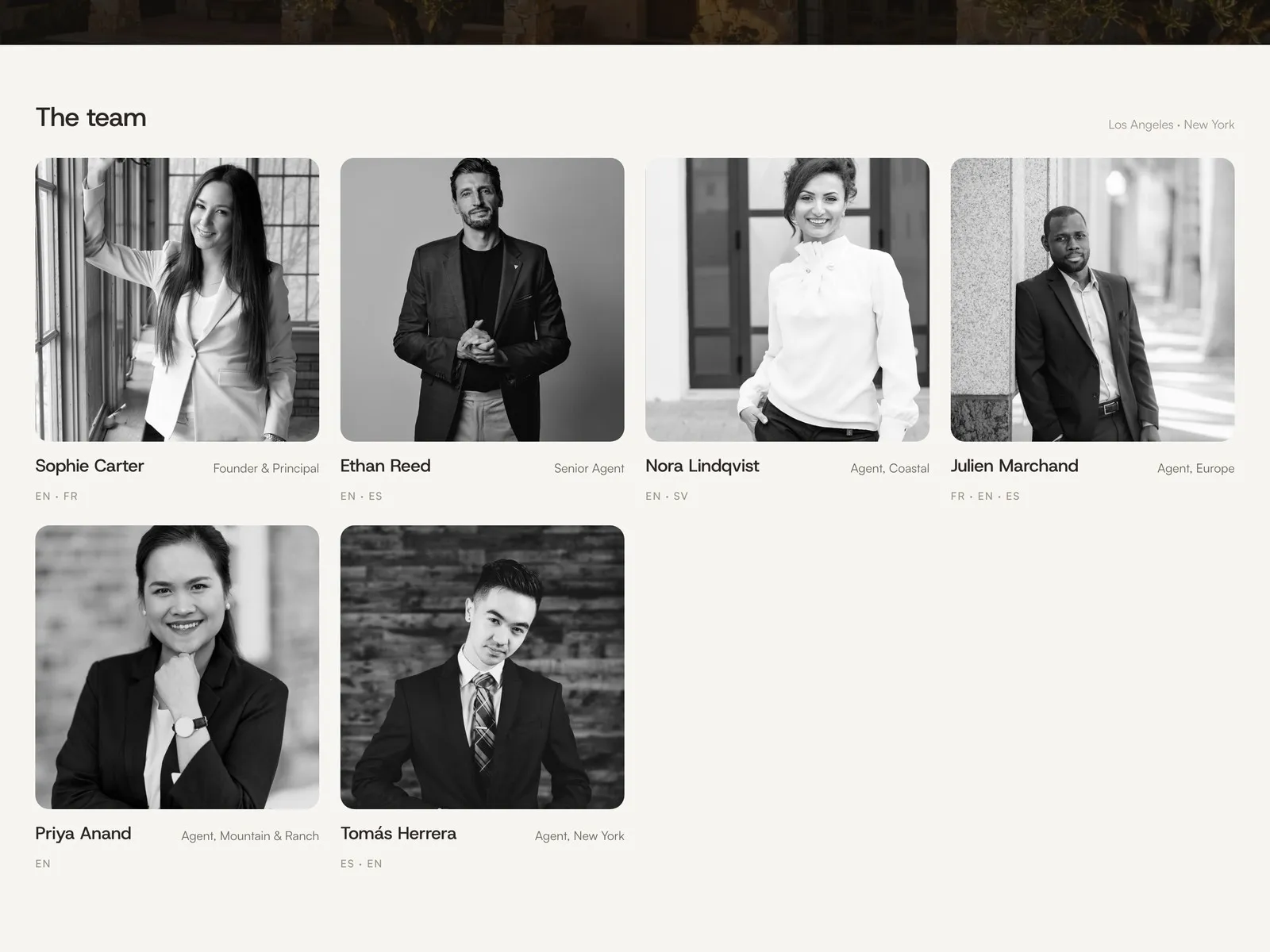
- 5 CMS collections filled with real copy: 10 properties, 9 areas, 6 agents, 6 journal notes and 3 legal pages. No lorem ipsum.
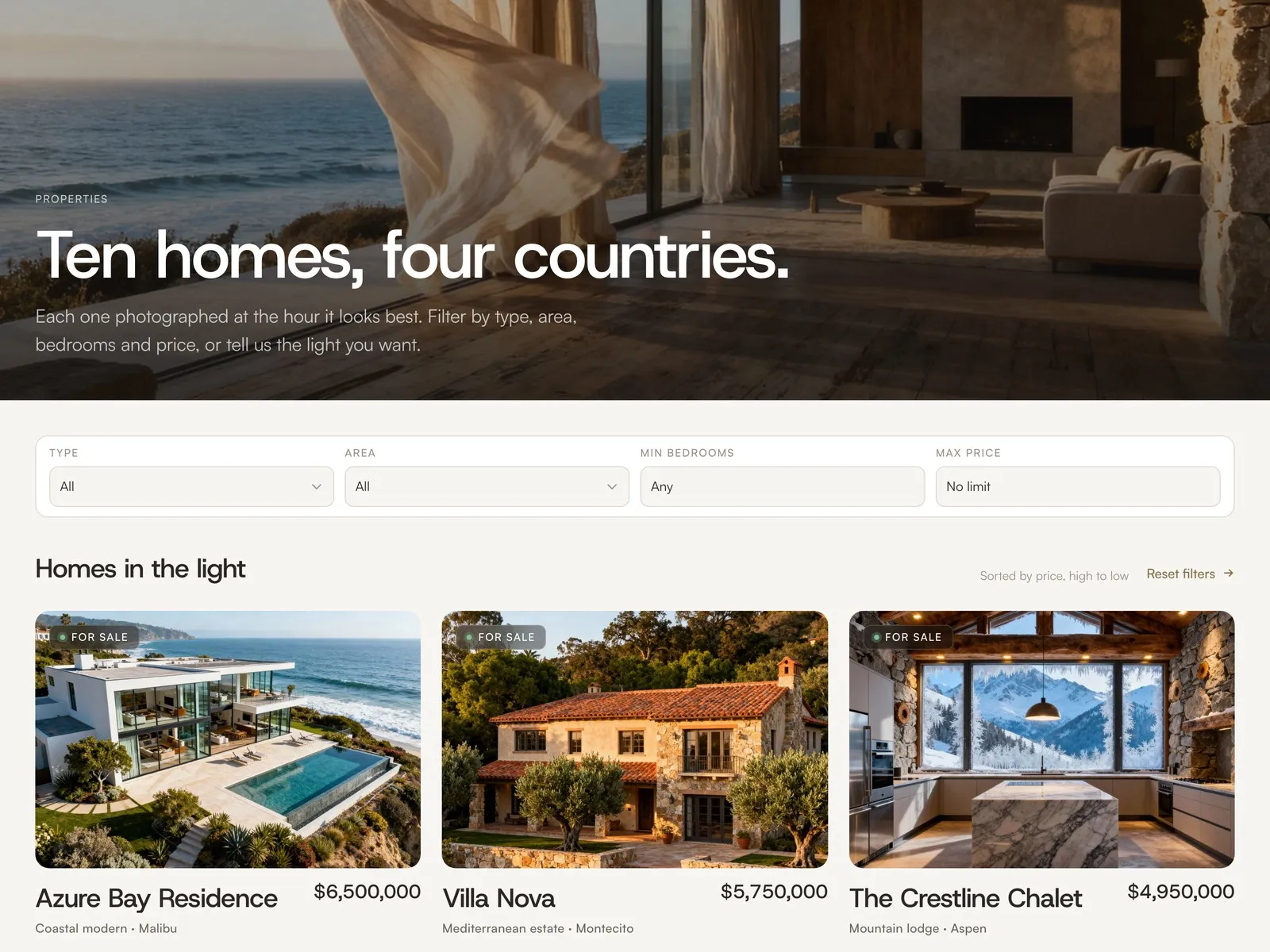
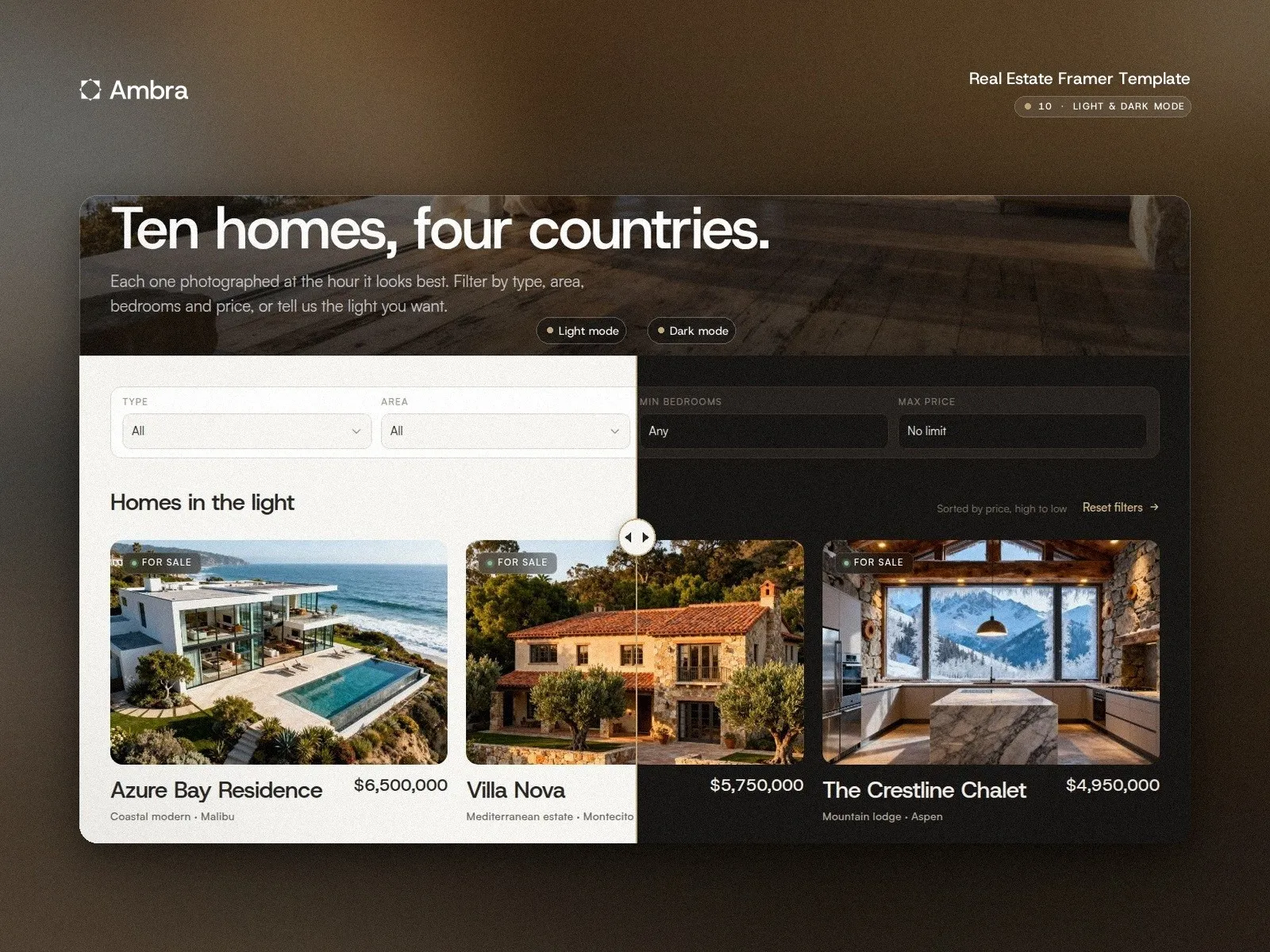
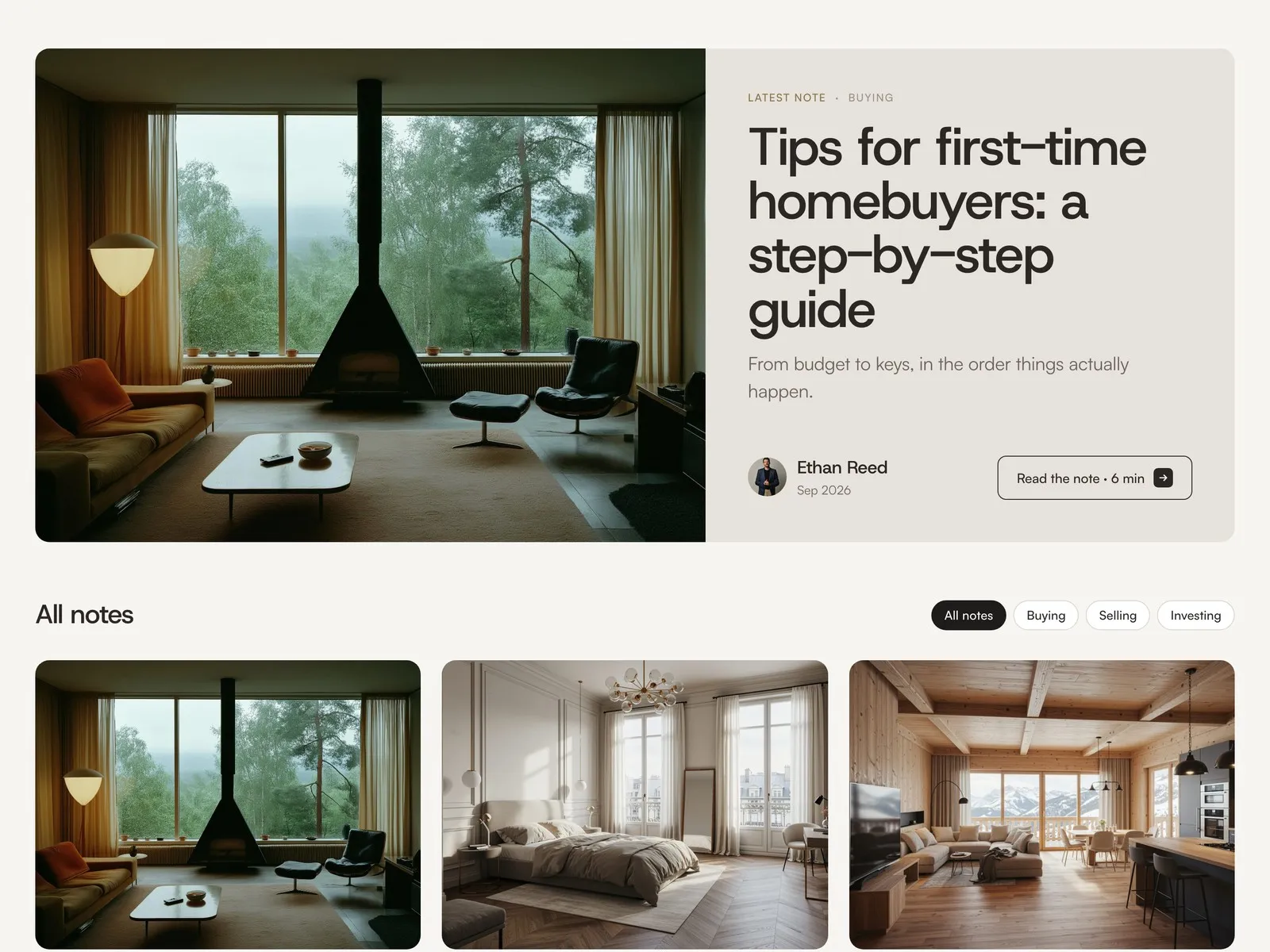
- Native filters on Properties (type, area, bedrooms, max price) with a sticky filter bar, and topic chips on the Journal.
- Light and dark mode from one set of 21 colour styles, with a toggle in the header. Keep both, or keep only one. Host Grotesk and Satoshi, 46 custom line icons.
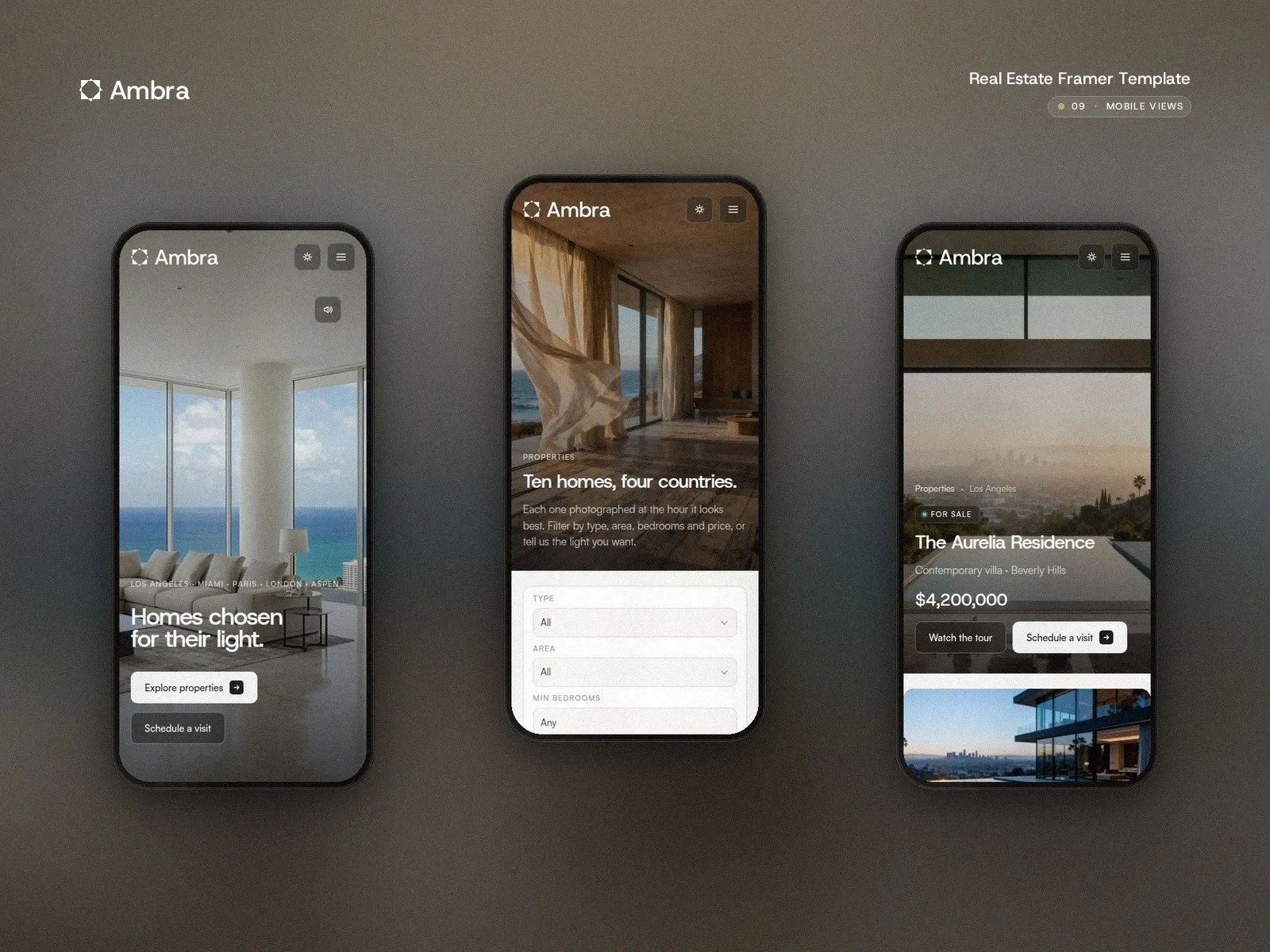
- Four breakpoints (1440, 1200, 810, 390), 7 native Framer forms, SEO titles and descriptions from the CMS and alt text on every CMS image.
Good for
Boutique real estate agencies, independent agents, developers with a short portfolio, holiday-home and relocation studios. Agencies that sell twenty homes and need to show each one better than a portal does.
Limitations, so you know before you buy
No sort selector on listings: order is set in the list. Price and bedroom filters are number fields, not sliders. The map is an embed per property, not a map with pins. No multi-language, member area or mortgage calculator. Five CMS collections, so publishing needs Framer Pro. Everything is demo content.
Four decisions that shaped it
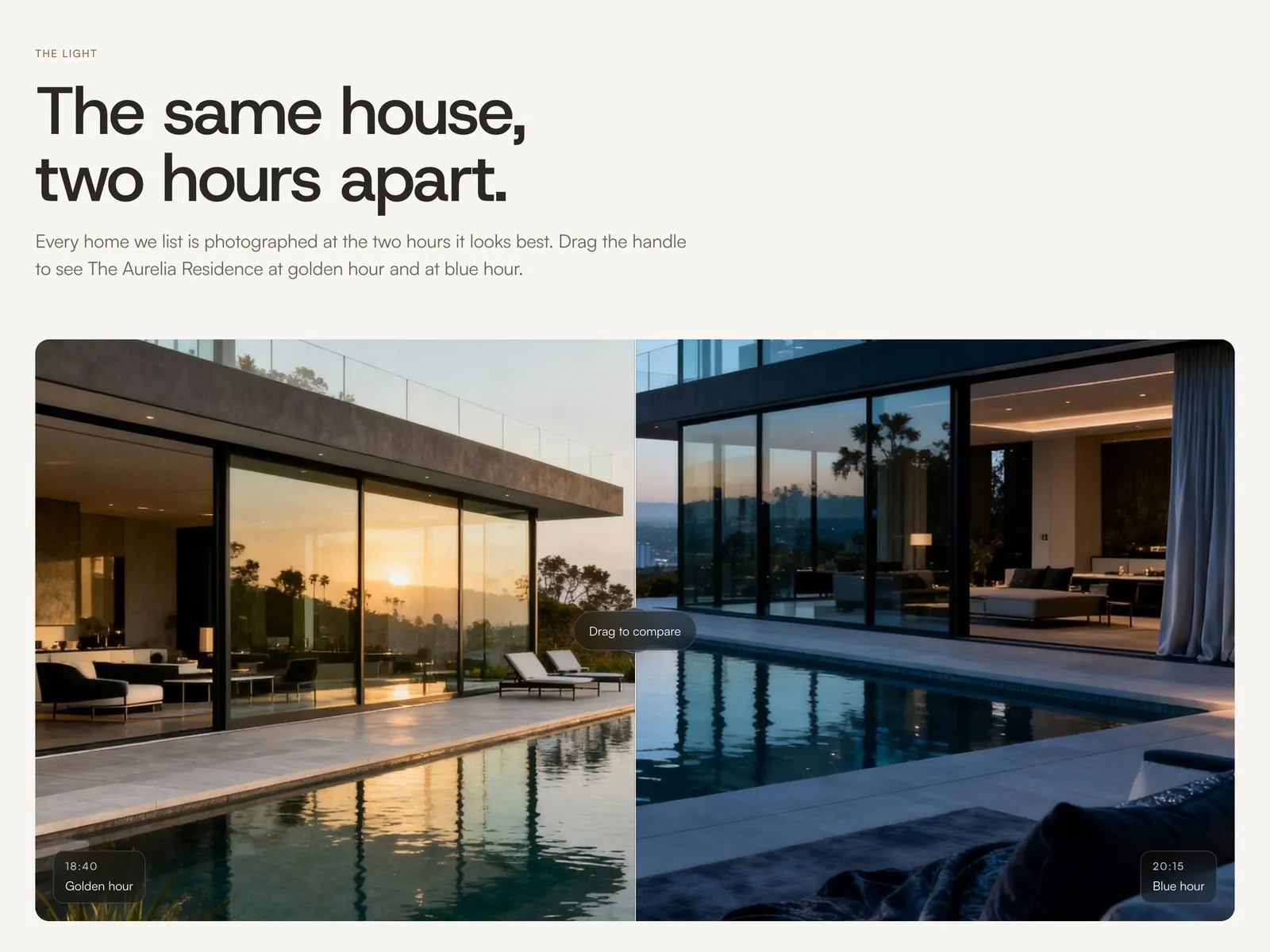
Photographed at the hour it looks best
The home page has a slider with the same house at golden hour and at blue hour. It is the idea behind the whole template: when an agency sells twenty homes, how each one is shown matters as much as the home. Any pair of photos works.
Filters without plugins
Type, area, bedrooms and max price filter the listings with Framer's own CMS, in a bar that stays on screen while you scroll. Nothing to install and nothing that breaks when Framer updates. The agency adds a home by adding a CMS item.
A property page that reads like a dossier
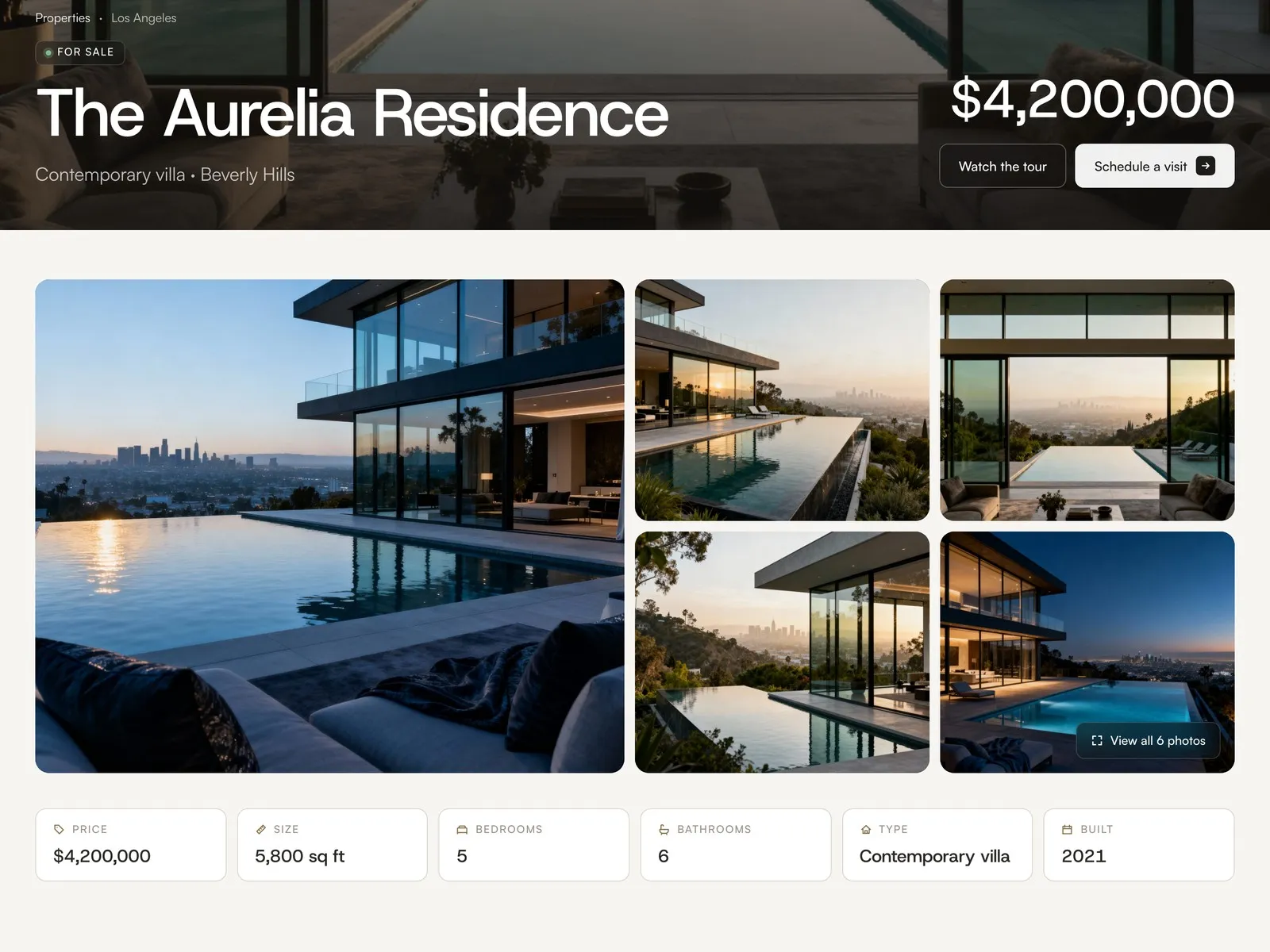
A full-screen gallery, floor plan zoom, video tour, map, key facts and a PDF to download. The buyer gets what they would ask for at a viewing, with the agent and a visit form beside it.
The next step is one click away
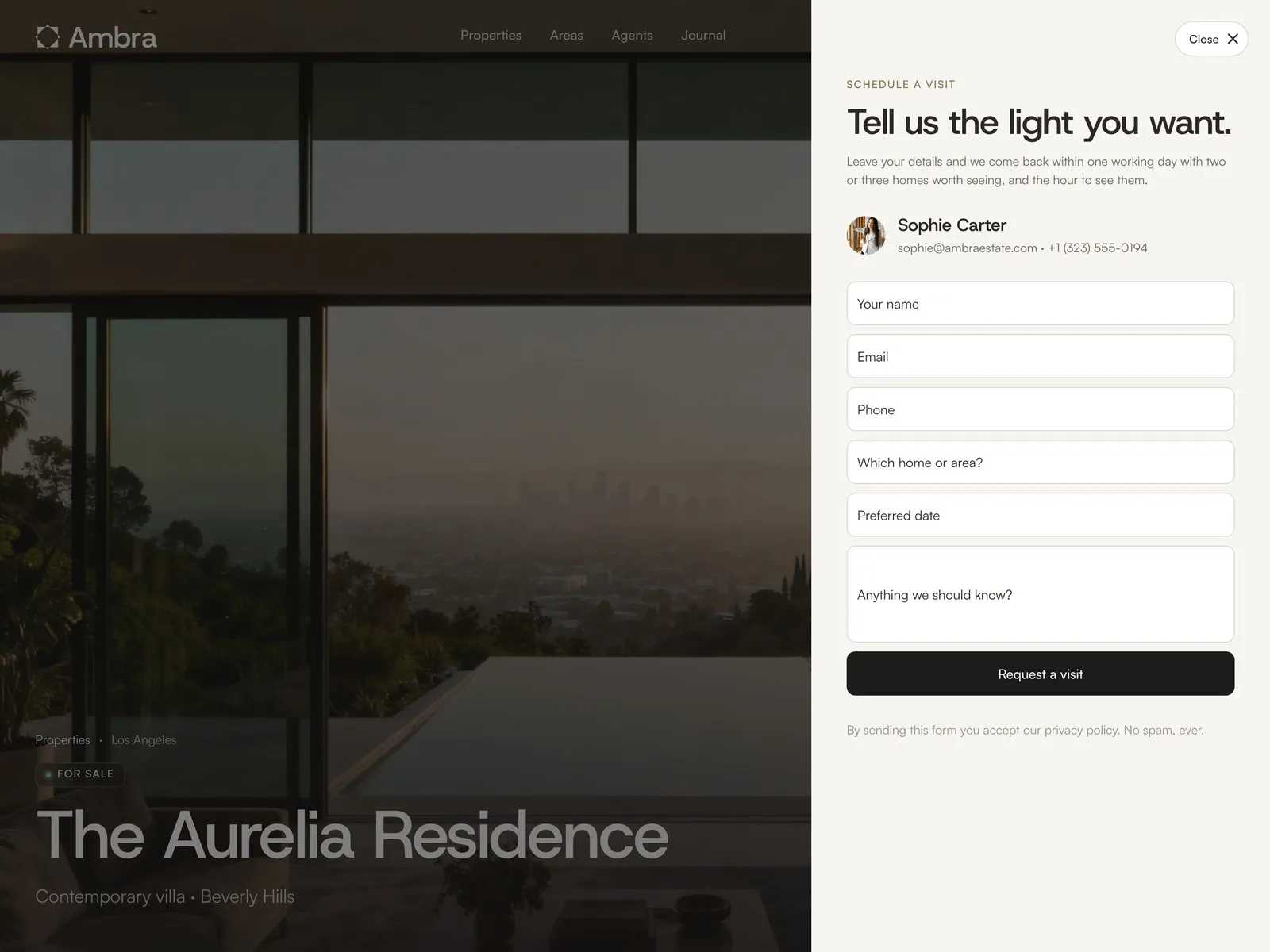
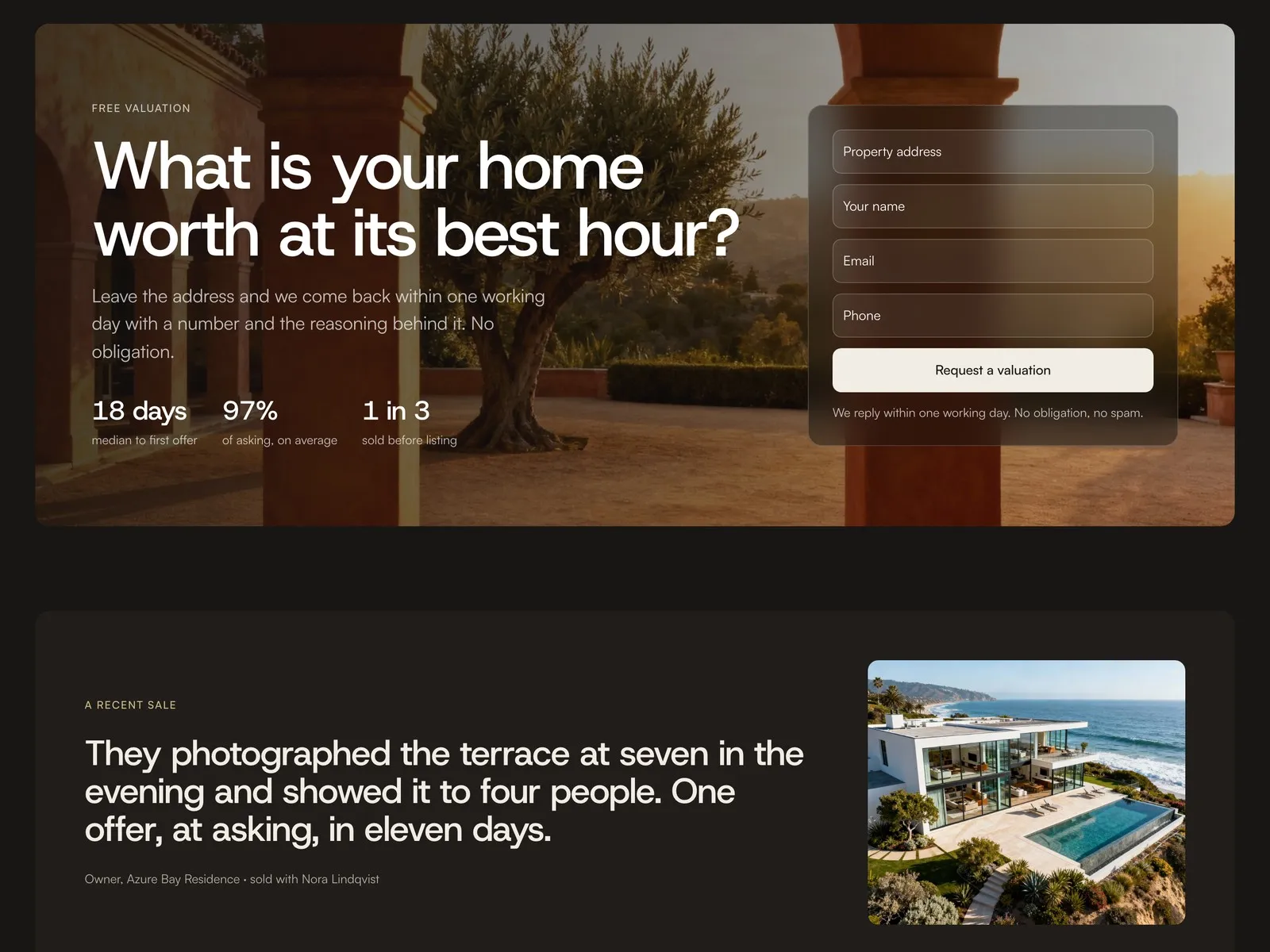
Every Schedule a visit button opens a side panel with the form, so the visitor never leaves the home they are looking at. The Sell page does the same for owners: a valuation form that asks for an address and a name, and promises an answer within a working day.
Light and dark, or just one
Both themes come from the same 21 colour styles. The site follows the visitor's system setting and a button in the header switches it. An agency that wants only one keeps it in a few minutes: the steps are in the notes on the canvas.
What’s inside
Components that pair with it
View all components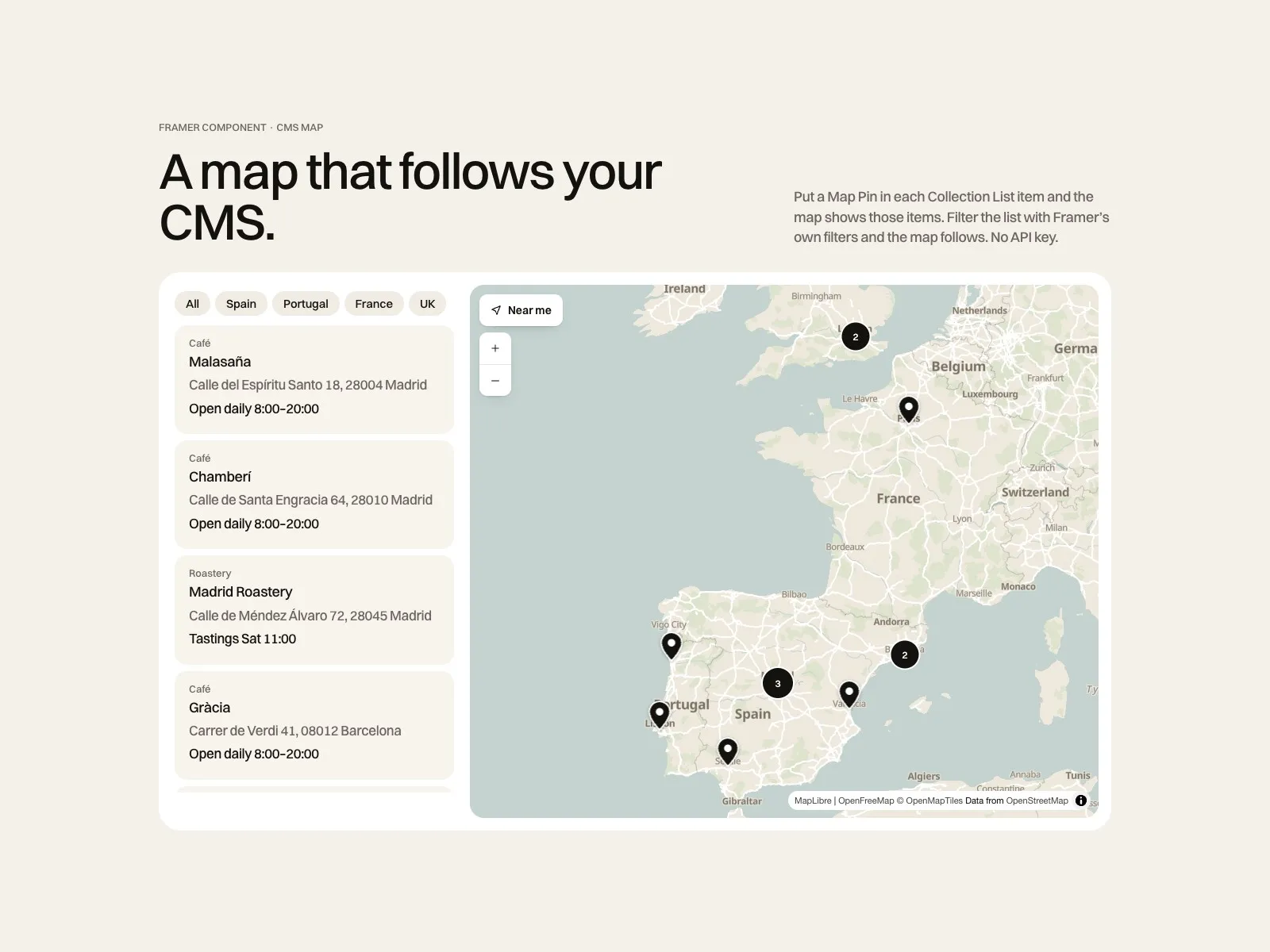 CMS Locations MapA map that follows your CMS$19
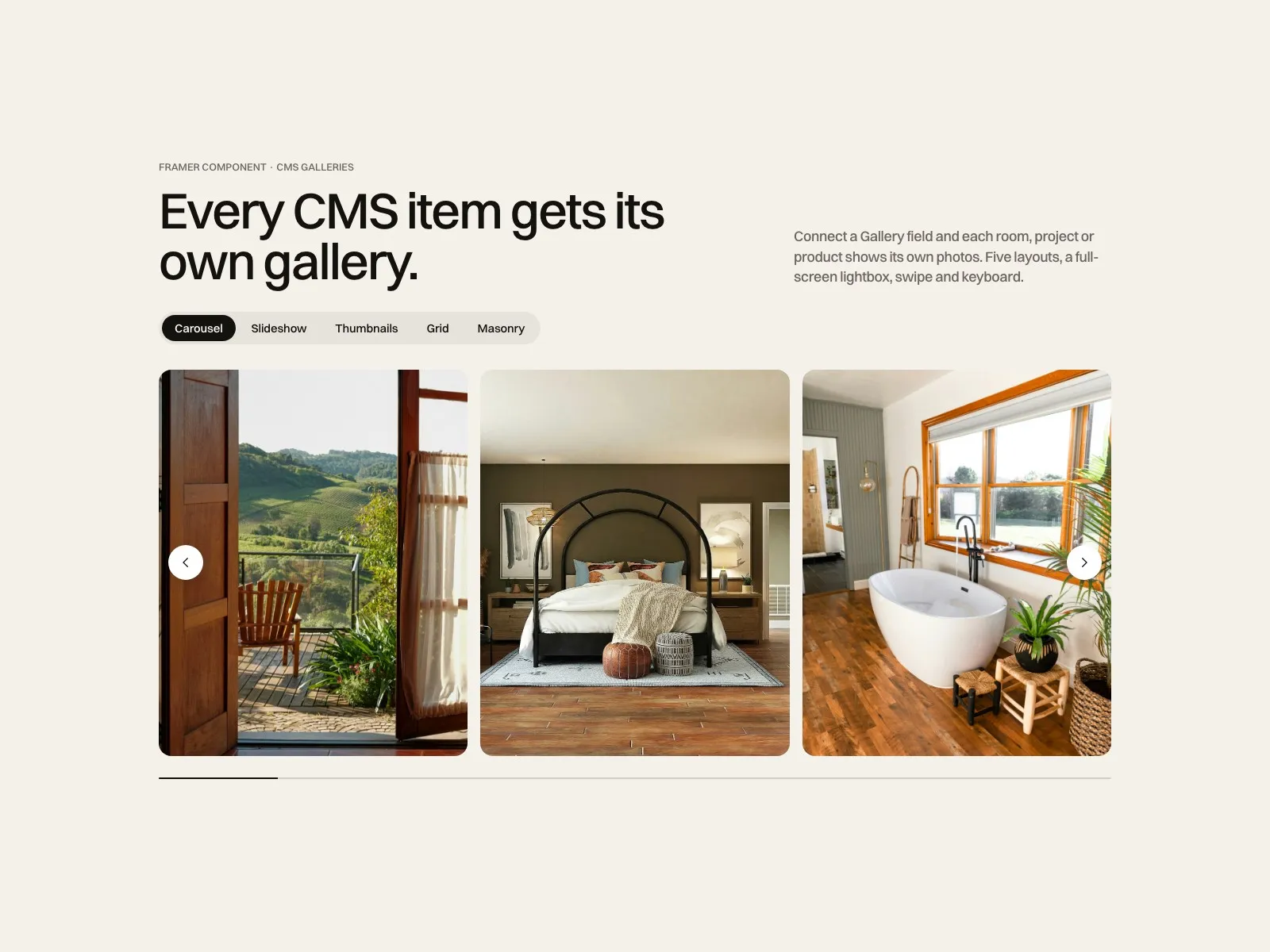 CMS Gallery KitEvery CMS item gets its own gallery$12
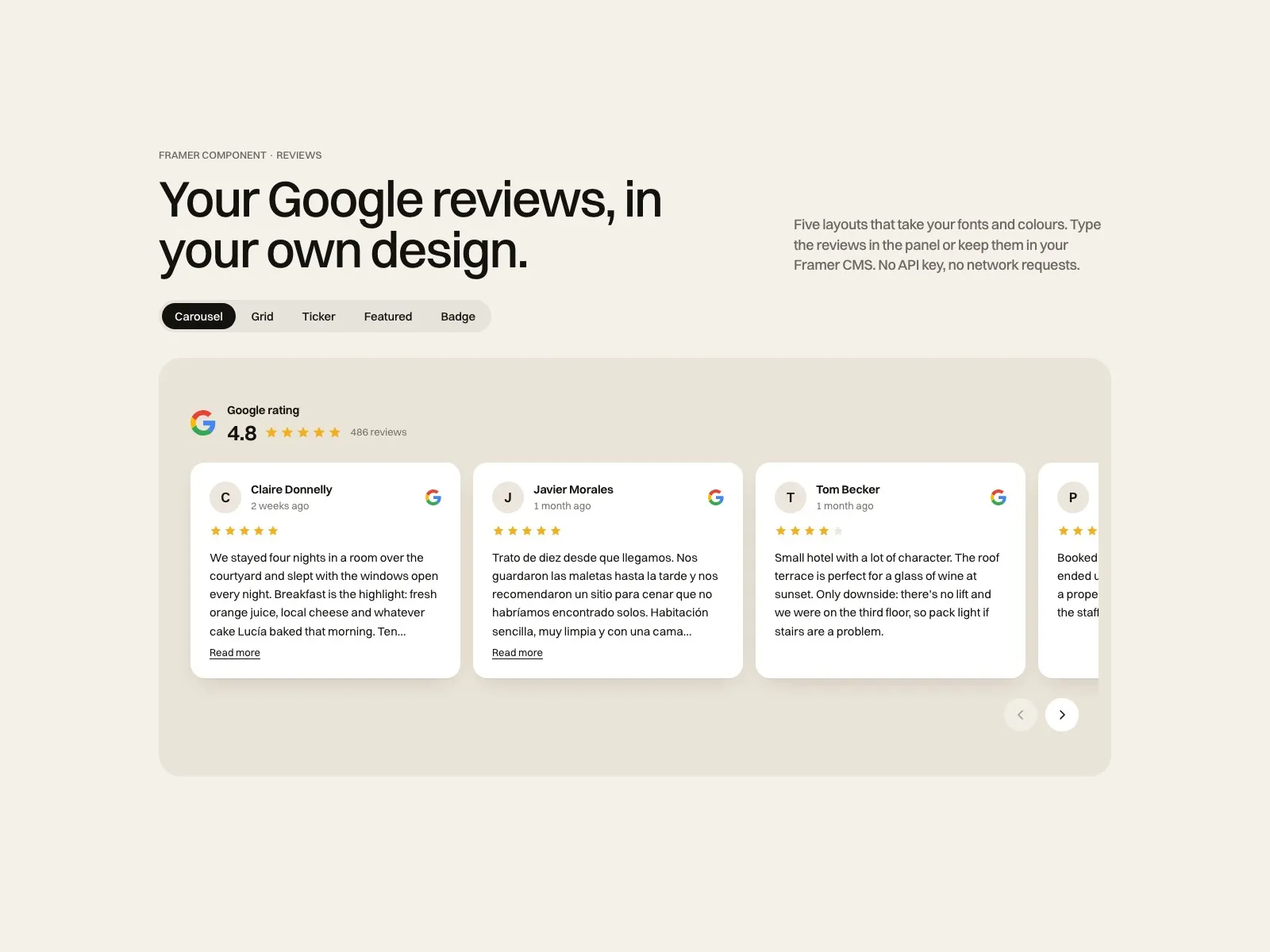 Google Reviews KitYour Google reviews, your design$12
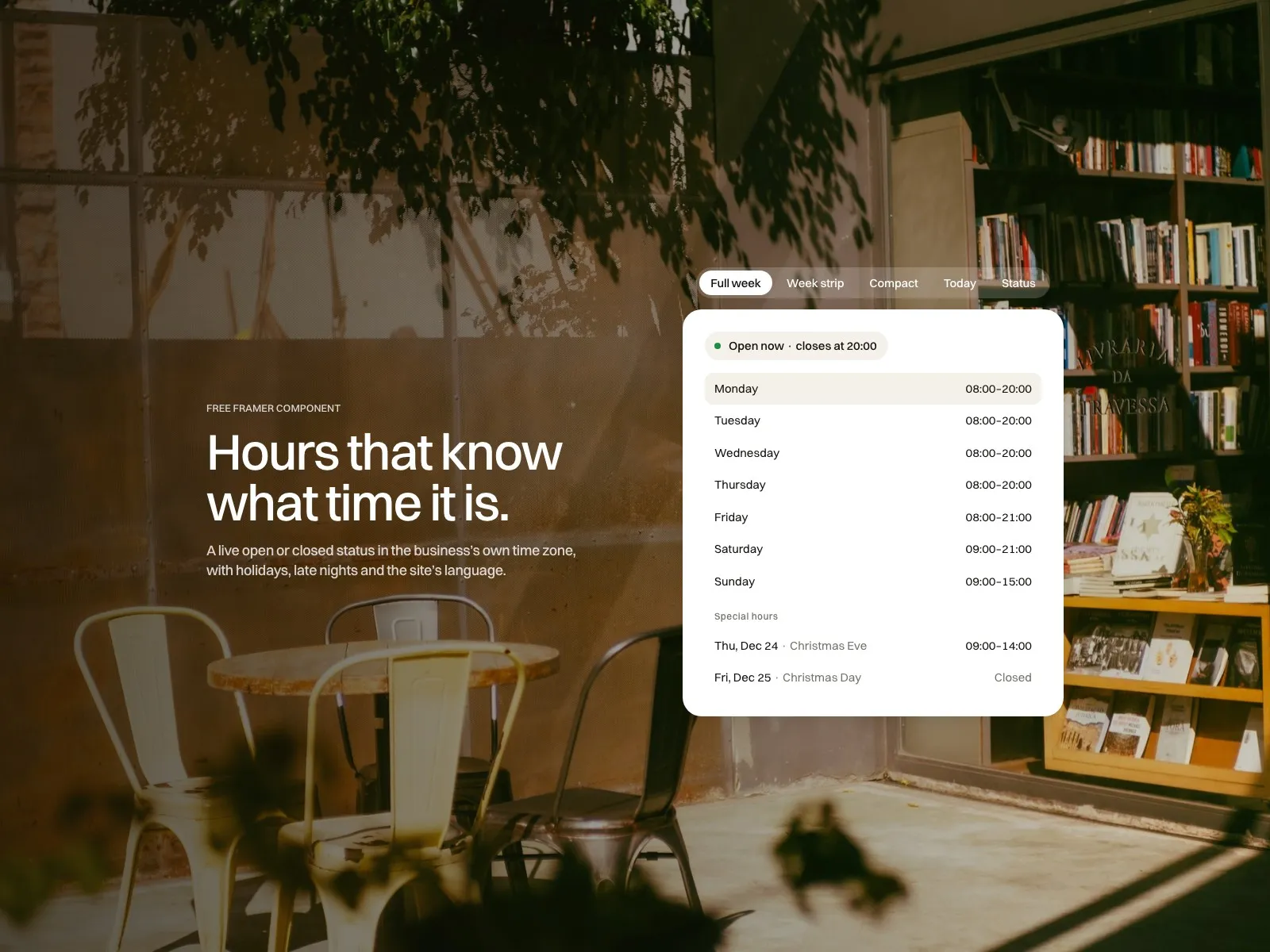 Open Hours LiveHours that know what time it isFree
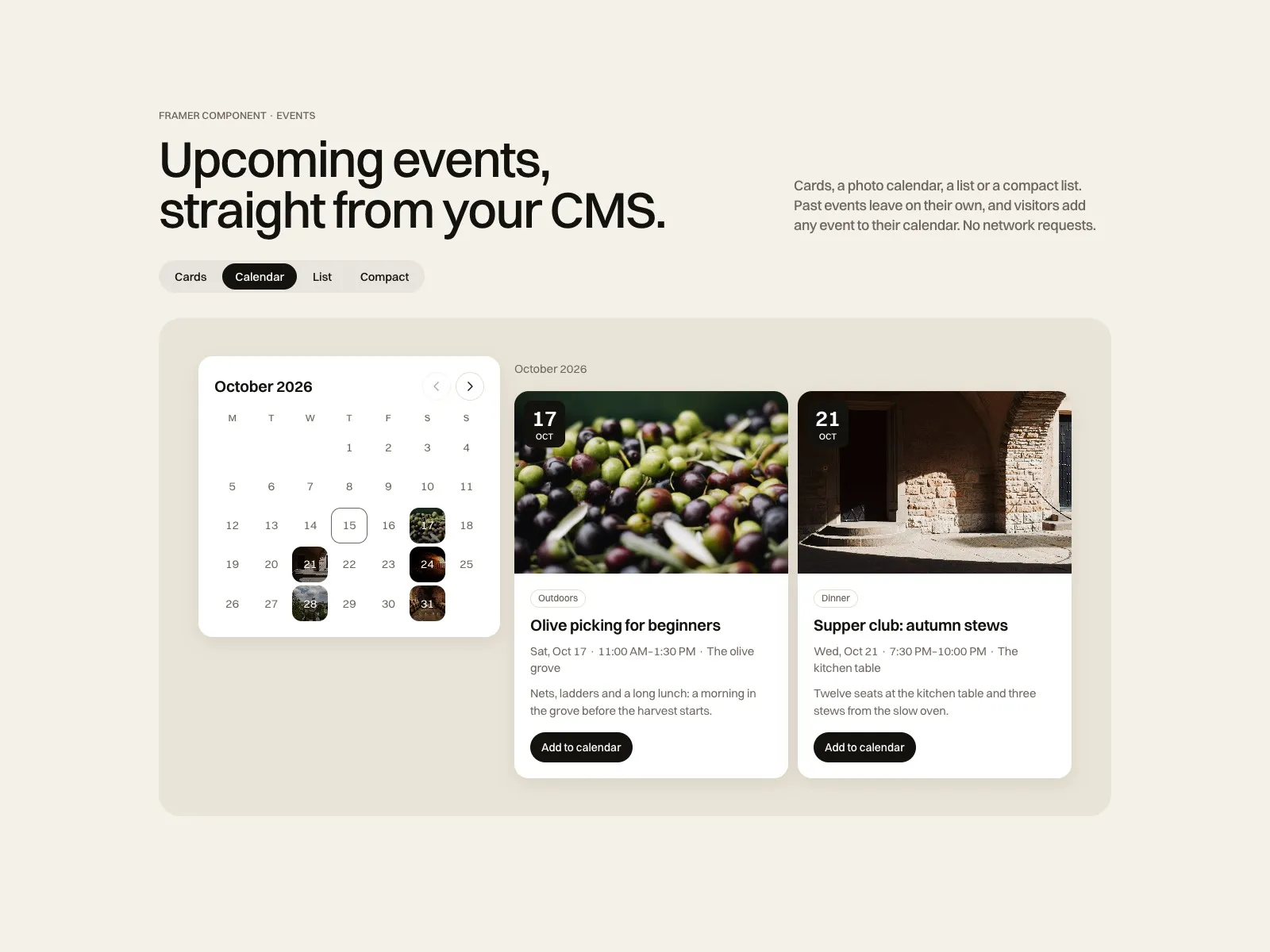 CMS Events KitUpcoming events, past ones gone on their own$15
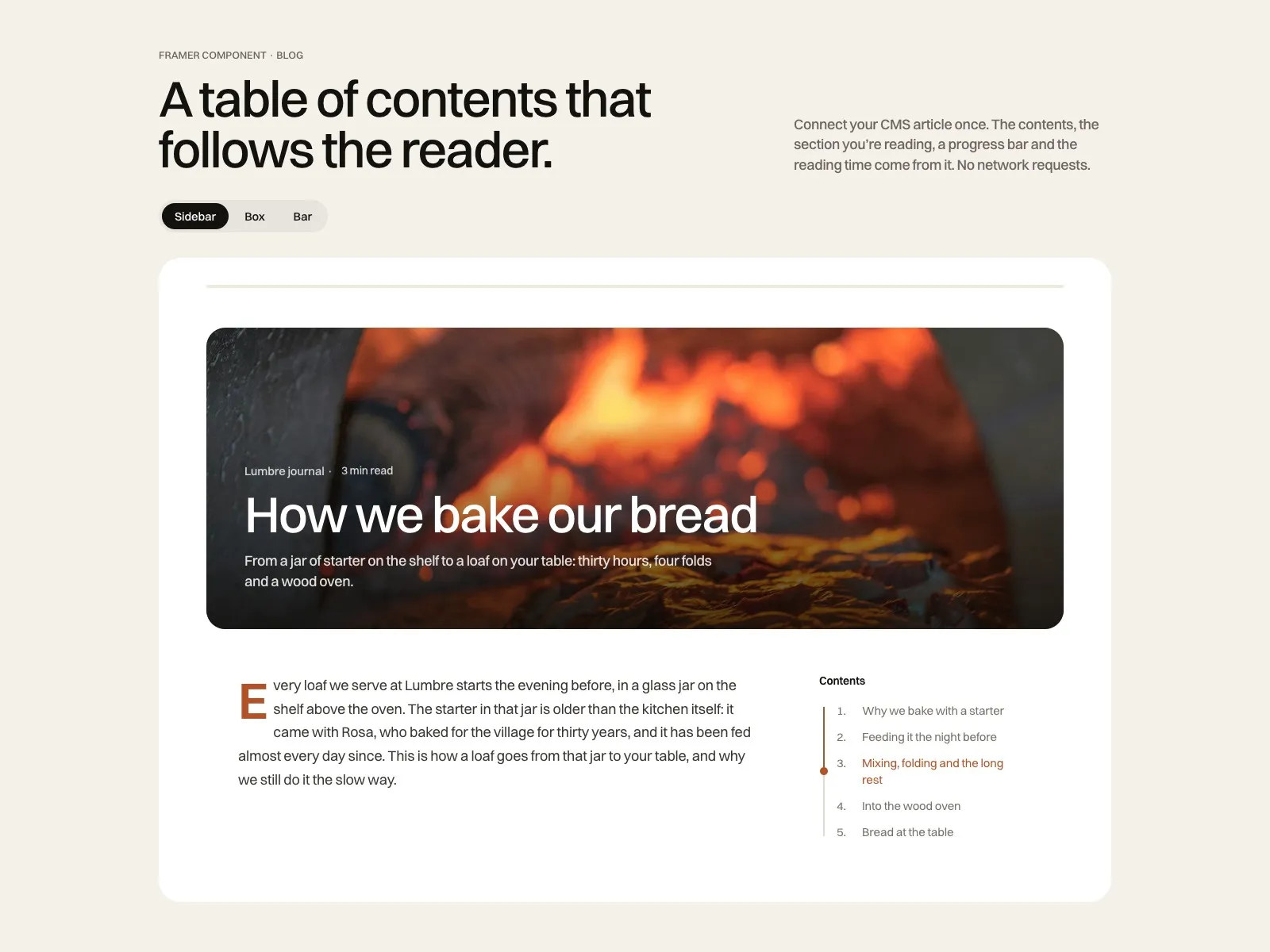 Blog Contents KitA table of contents that follows the reader$12
Before you buy
01What happens after I pay?
Polar sends you a receipt and the remix link. Open it, choose your Framer workspace, and the whole site is duplicated into your account with every page, CMS collection and style.
02Do I need a paid Framer plan?
You can remix and edit on a free Framer account. To publish on your own domain you need a Framer site plan, paid to Framer, not to me. With five CMS collections Ambra needs Pro.
03Can I use only light or only dark mode?
Yes. The site follows the visitor's system setting and has a toggle in the header. To keep one theme, delete the toggle and copy one set of colour values over the other. The notes on the canvas walk you through it.
04Where do the forms send their data?
Ambra uses Framer's native forms. You choose the destination in Framer: your email, a webhook or a tool like Zapier. Nothing is sent anywhere until you set it.
05What does support cover?
Questions about the template and bug fixes, answered by a person within two business days, Monday to Friday, CET. Custom design or build work is a separate service. Refunds follow the Framer Marketplace policy.

Made by Miguel Recio, identity and web designer
Want it live with your brand? I set it up for you in 5 business days, from $690.
Get Ambra
One payment. The remix link arrives right after checkout.
Rather not set it up yourself? I do it for you, from $690
Secure checkout by Polar, invoice included. Support by a person within two business days. Refunds follow the Framer Marketplace policy.