Law firmFramer template
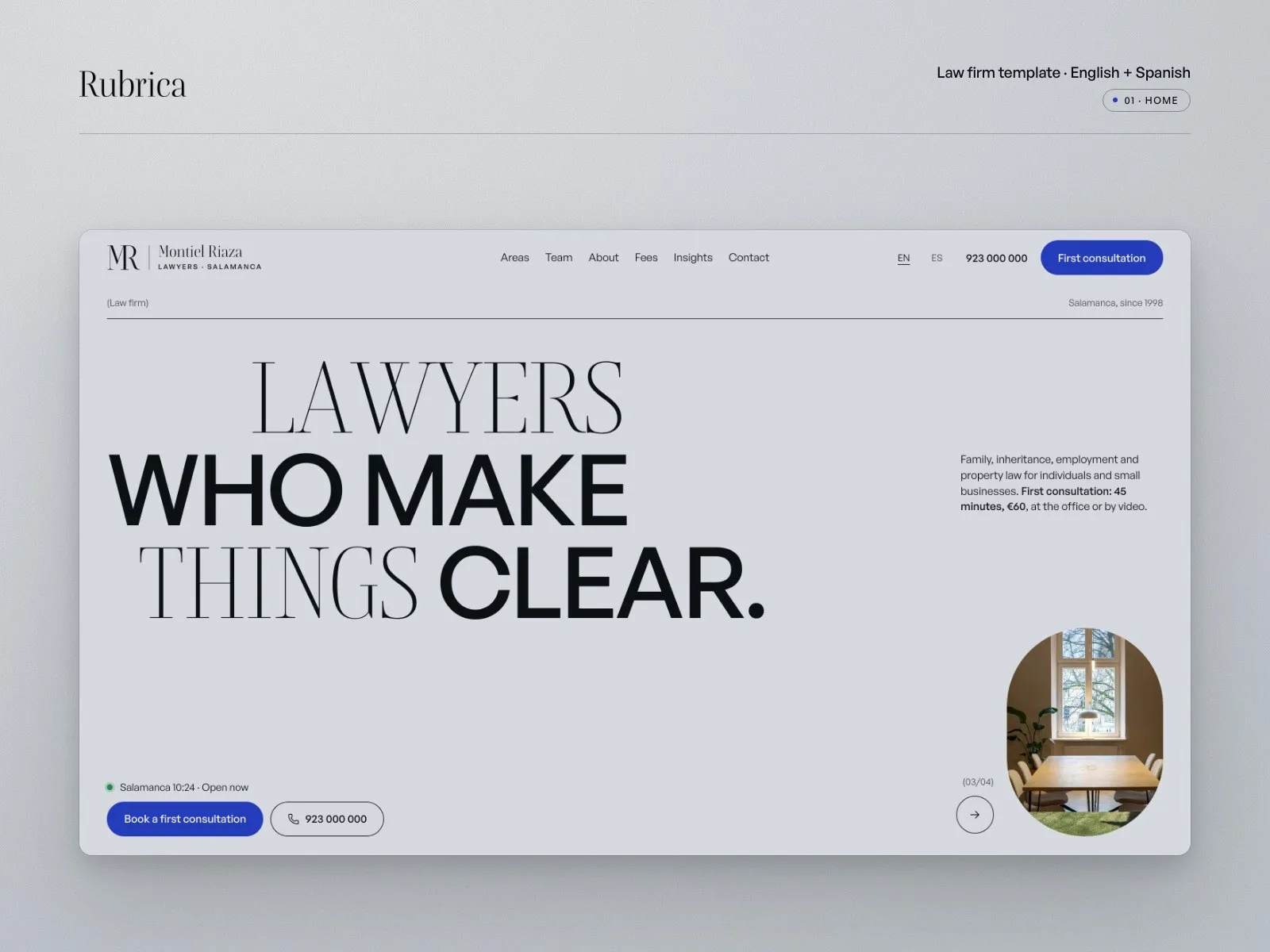
A law firm website that explains, then books the call.
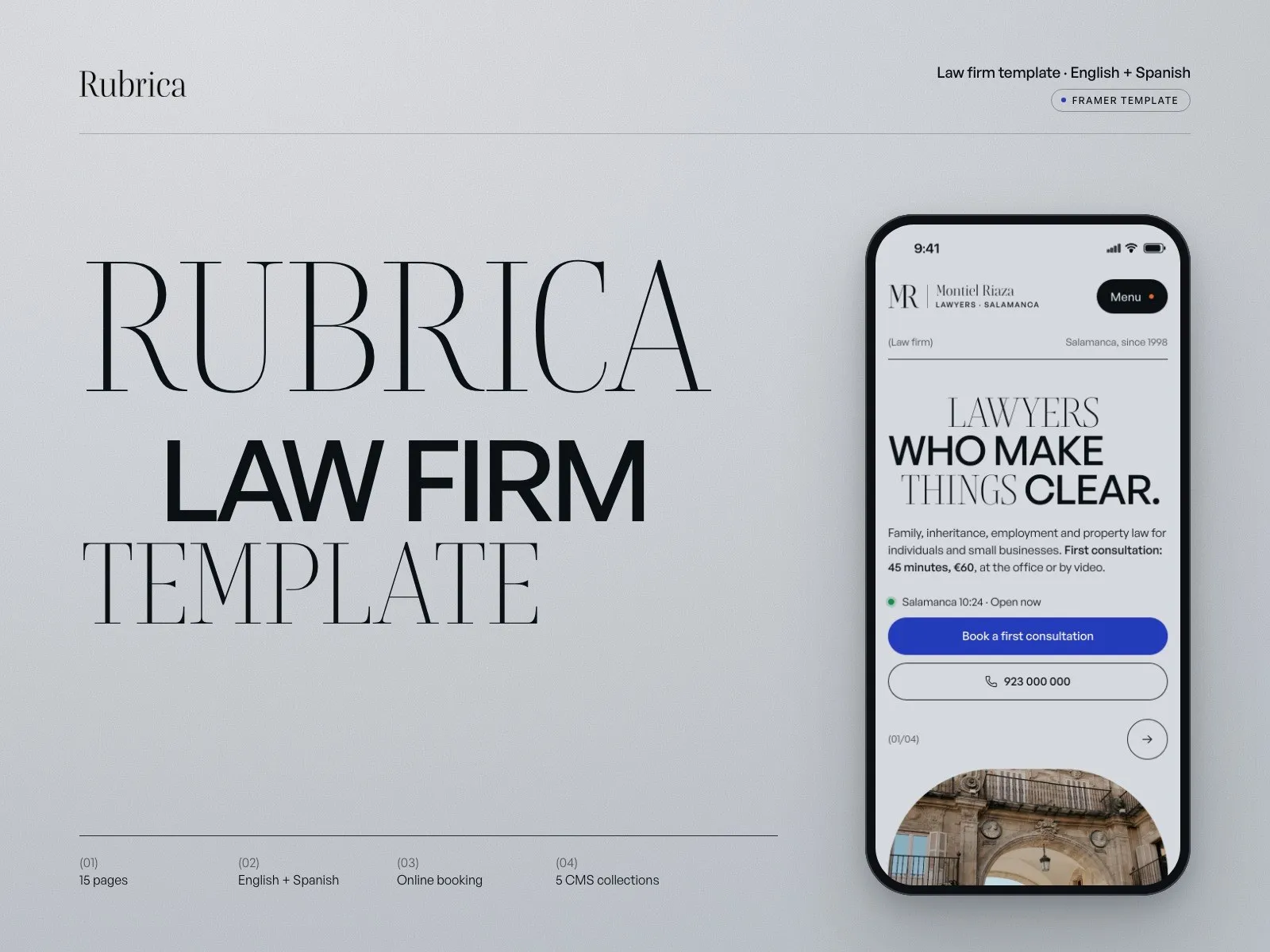
Visitors find their own situation, see which lawyer will handle it and what the first consultation costs, then book it online. In English and Spanish, with copy that follows the rules on lawyers’ advertising. For small firms and independent lawyers who win clients by being clear, not loud.
 Launch price
Rather not set it up yourself? I do it for you, from $690
- 15Pages
- 2Languages
- 5CMS collections
- 3Breakpoints
Version 1.0 · Released October 2026 · Built in Framer, with small code components for the situation finder, open-now clock, booking calendar, cookie consent and language switch
What you get
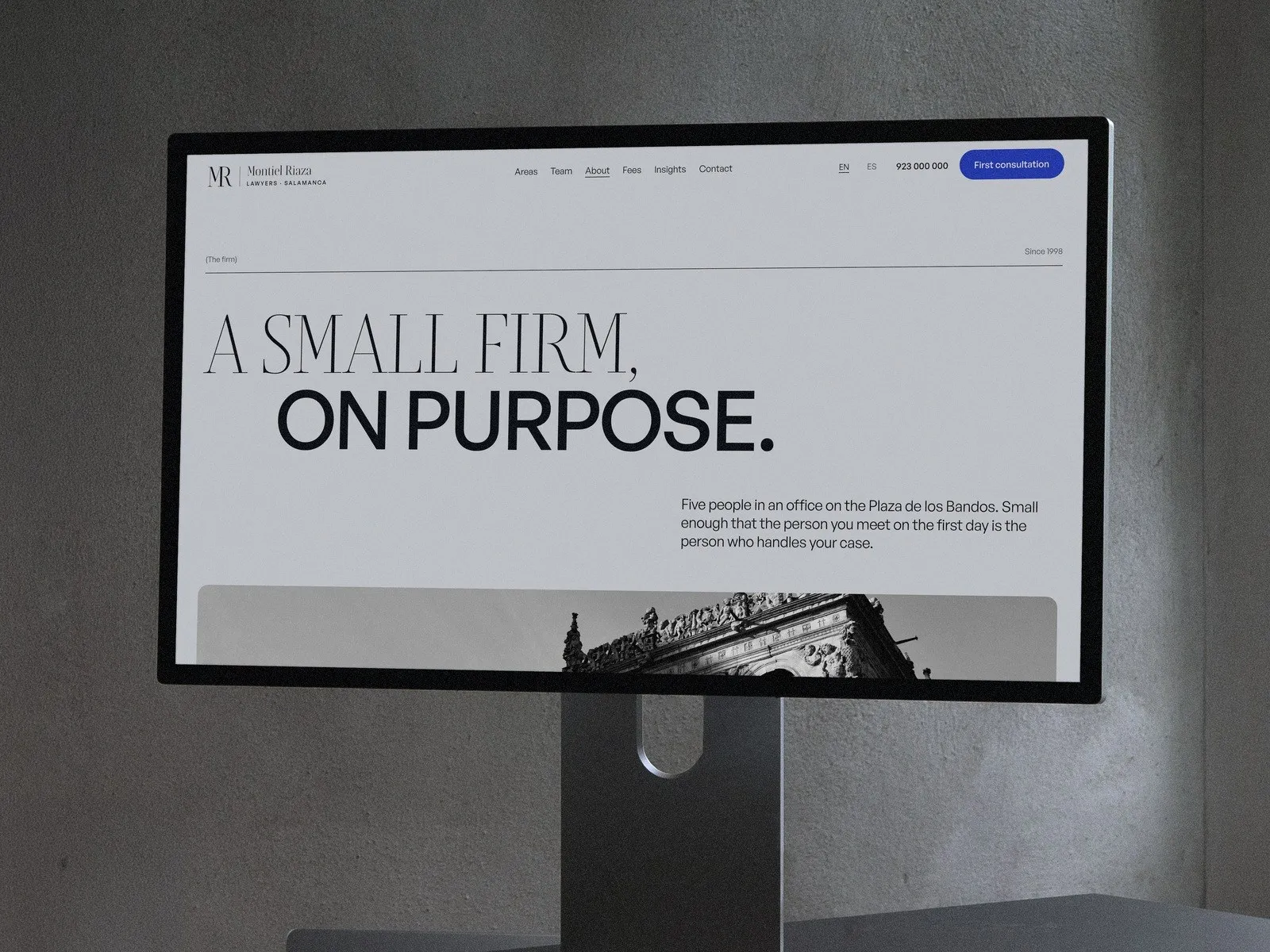
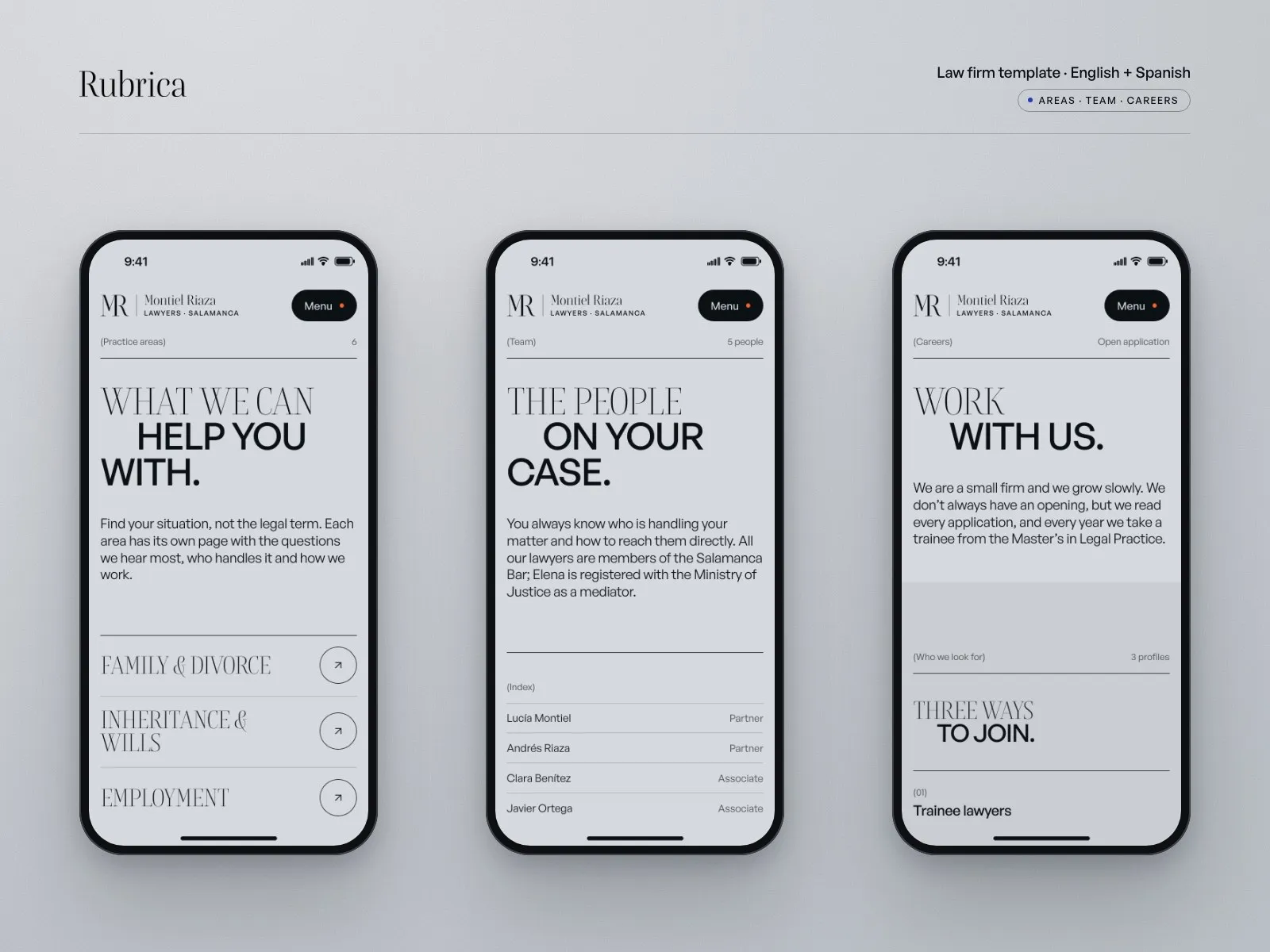
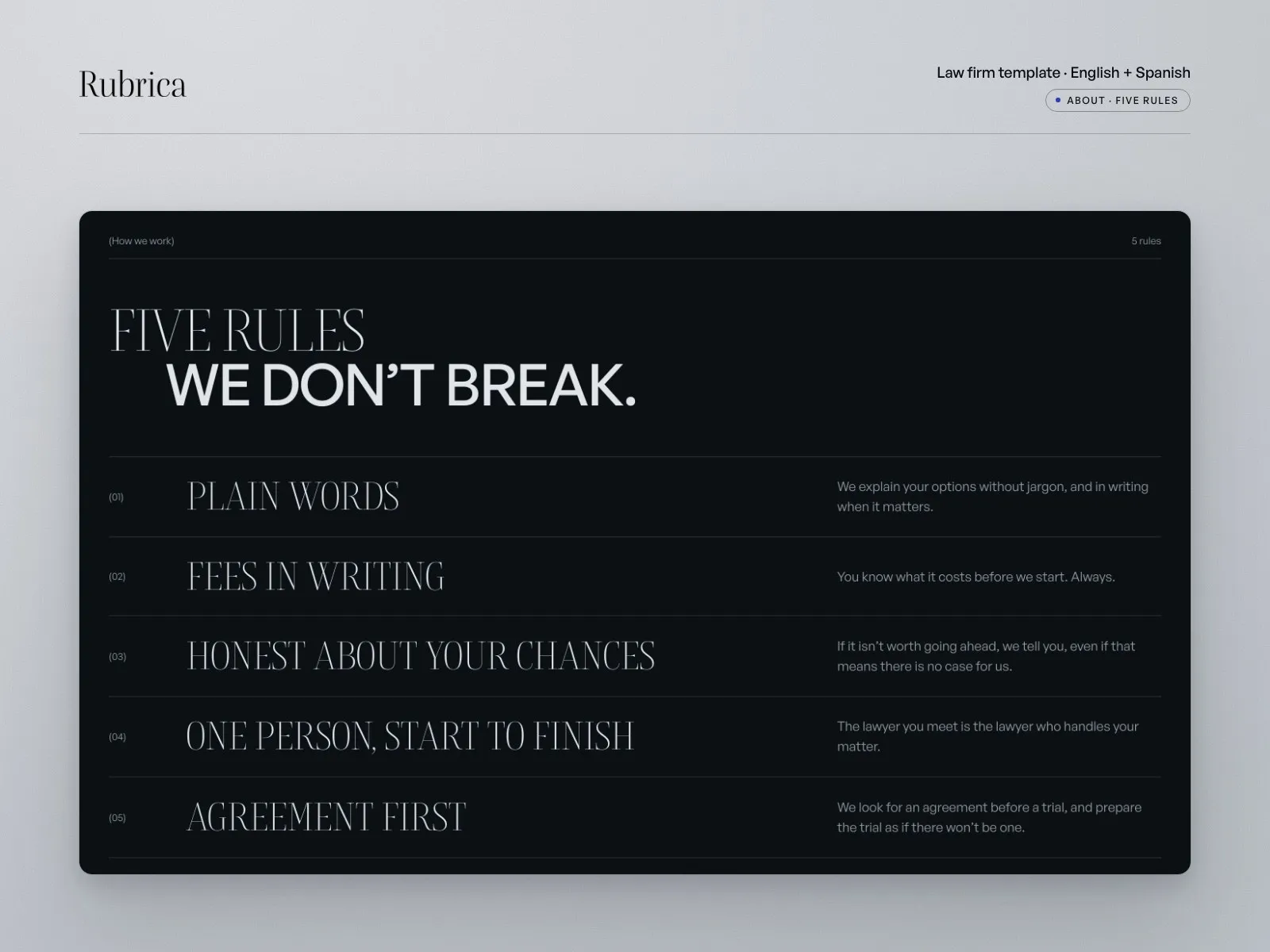
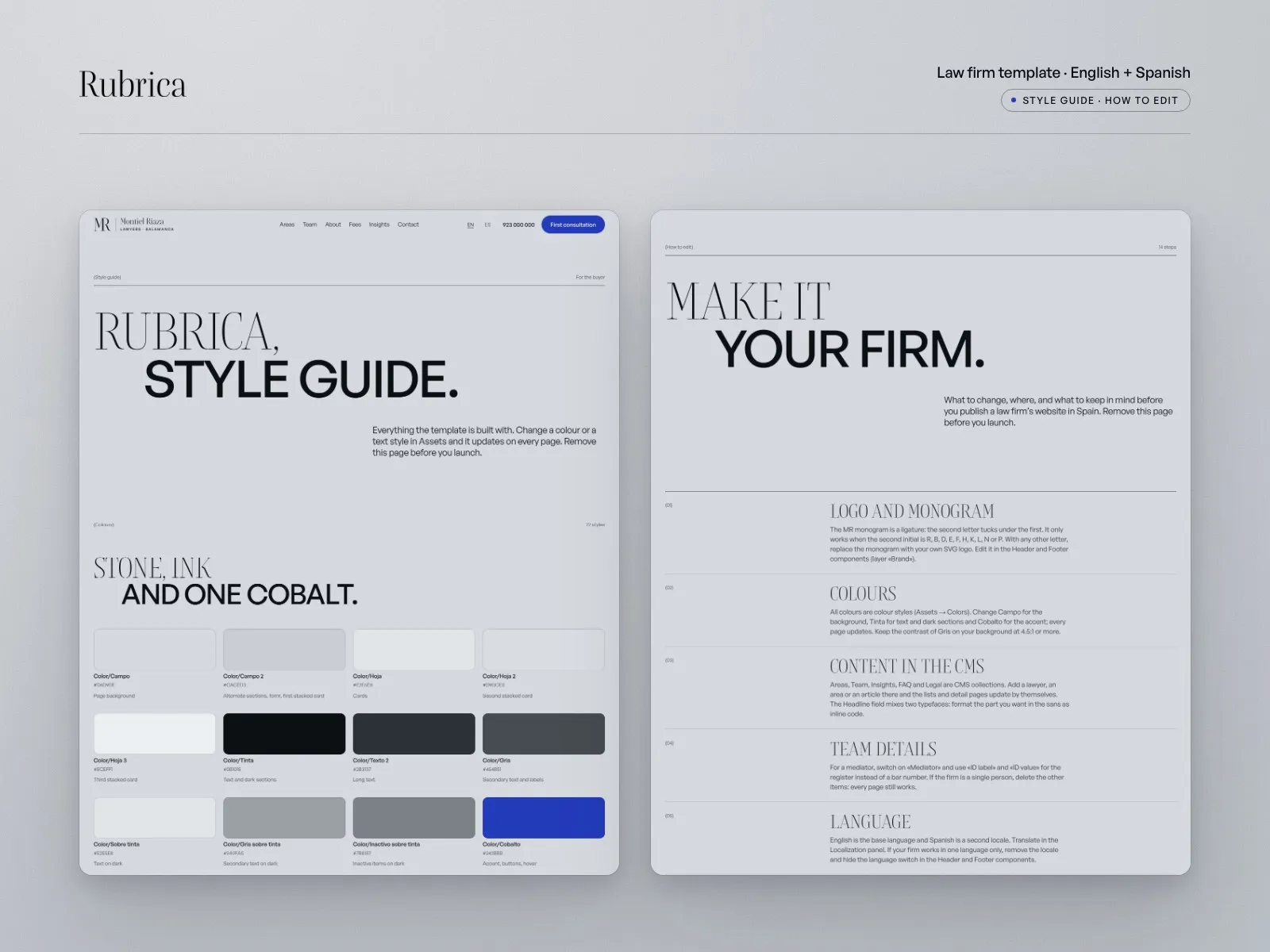
- 15 pages: Home, Areas and area page, Team and lawyer page, About, Fees, Insights and article, Contact, Careers, three legal pages, 404, Style guide and How to edit.
- 5 CMS collections filled with real copy: 6 practice areas, 5 lawyers, 6 articles, 28 questions and 3 legal pages. No lorem ipsum.
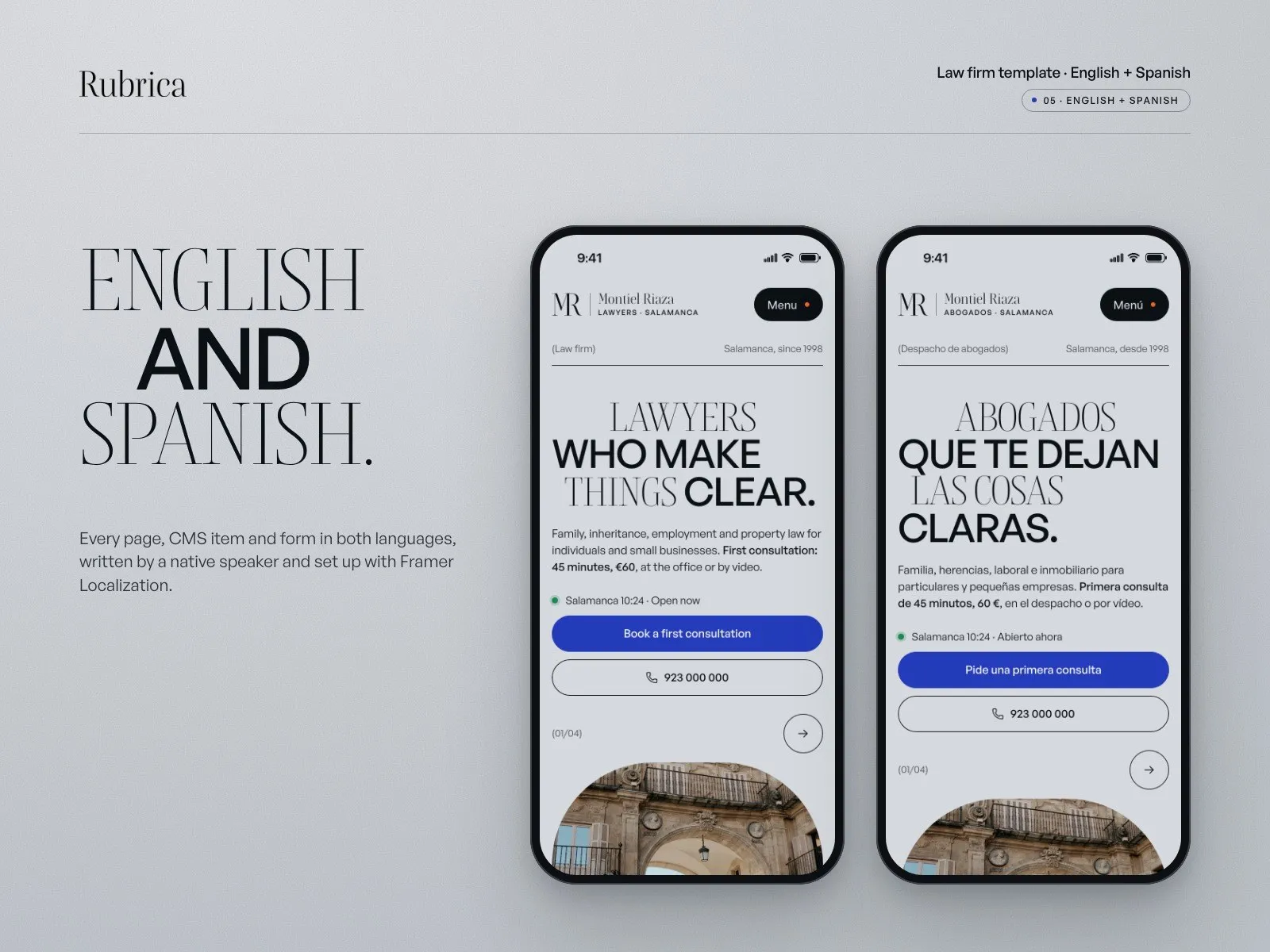
- English and Spanish in every page, CMS item and form, written by a native speaker and set up with Framer Localization. Publish one language or both.
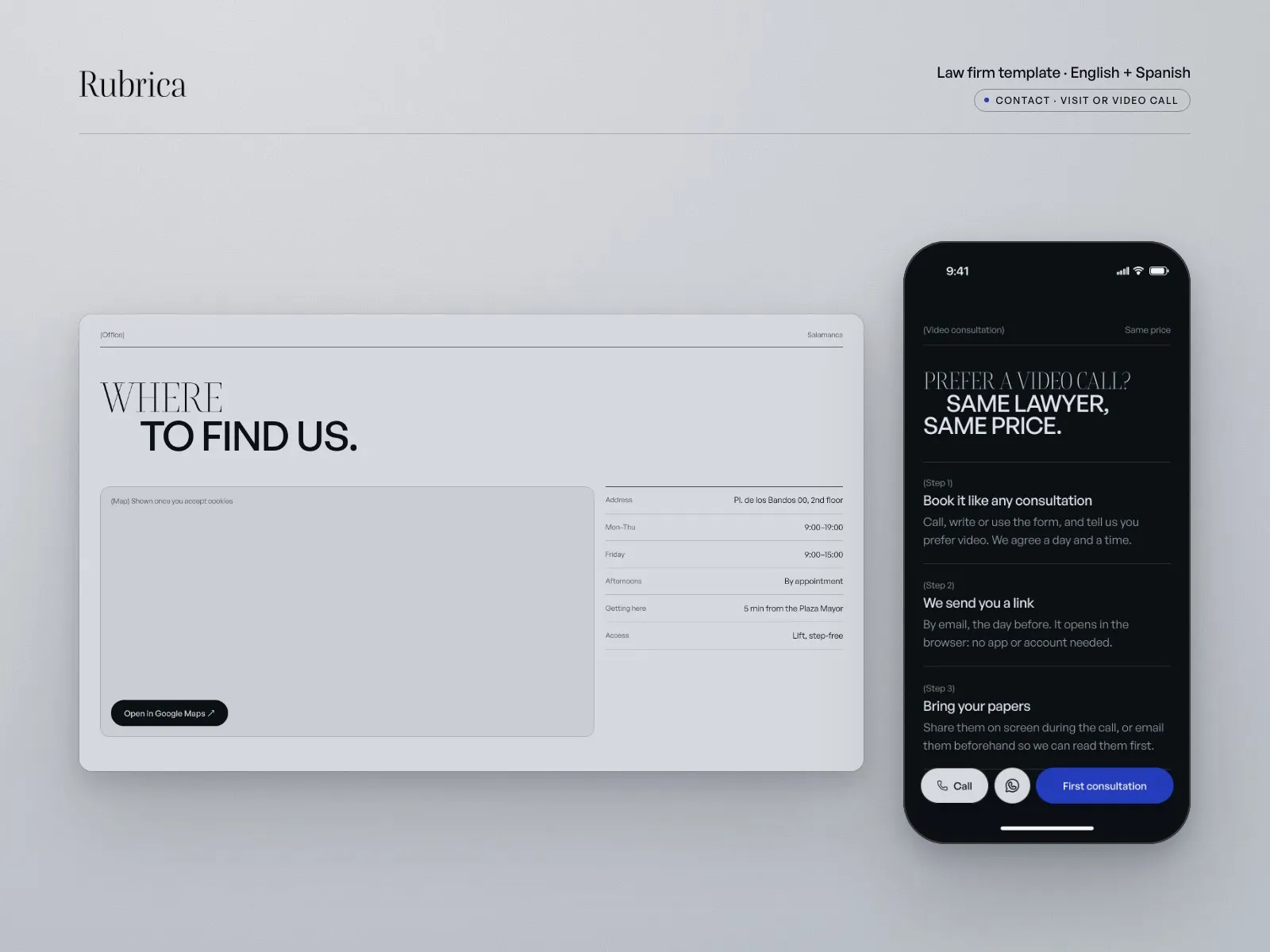
- Online booking: paste a Cal.com or Calendly link, for the firm or for each lawyer. Until then, a demo diary in the template’s style.
- Ready for a real firm: a cookie banner with Reject as visible as Accept, a map that only loads after consent, a privacy notice and a conflict-of-interest field on every form, WhatsApp and an urgent line, and LegalService structured data.
Good for
Small and mid-sized law firms, independent lawyers, mediators and advisory practices. Firms that work with individuals and small businesses and need visitors to understand what they do before they call.
Limitations, so you know before you buy
Light theme only. The booking calendar is a demo until you add your Cal.com or Calendly link, which also handles the payment. URLs stay in English in both languages. Five CMS collections, so publishing needs Framer Pro, and publishing both languages needs Framer’s Localization add-on. Everything is demo content: an invented firm, photos from Unsplash and legal texts to review with your adviser.
Five decisions that shaped it
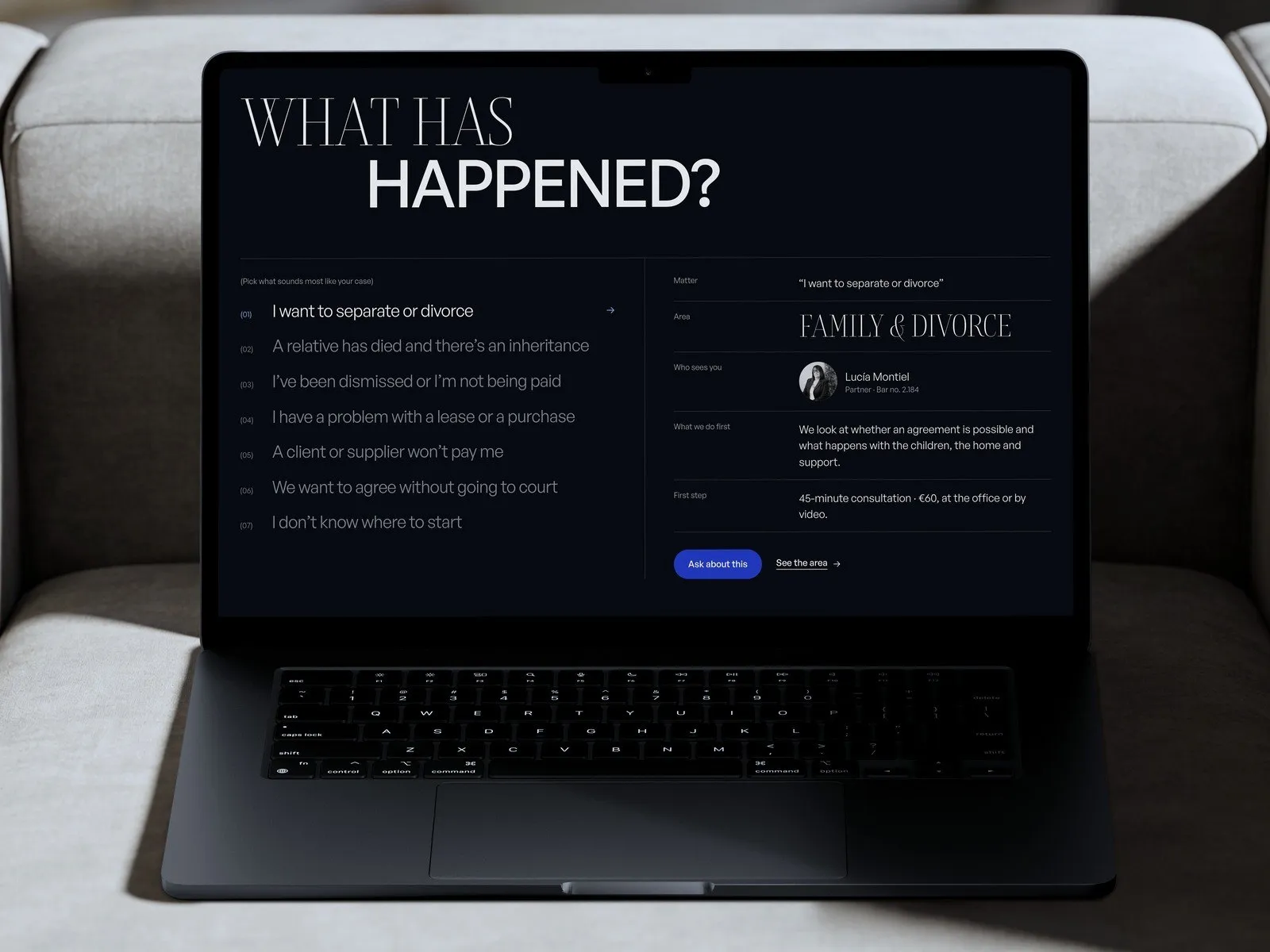
Start from what happened, not from the law
The situation finder lists seven things people actually say: a separation, an inheritance, a dismissal, a client who won’t pay. Each one shows the practice area, the lawyer who handles it and the first step, with its price. Visitors don’t need legal terms to find their way.
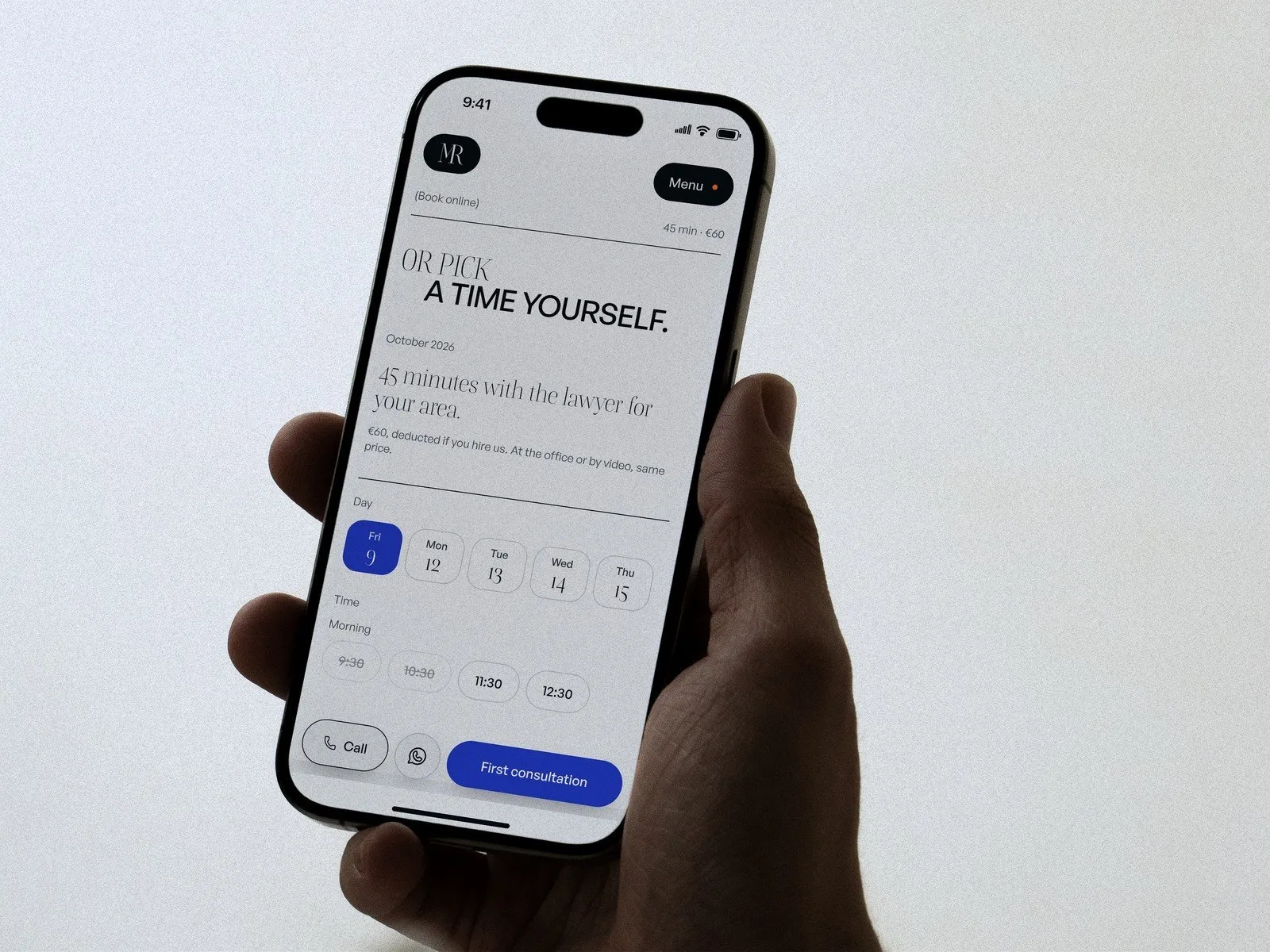
The first consultation, booked online
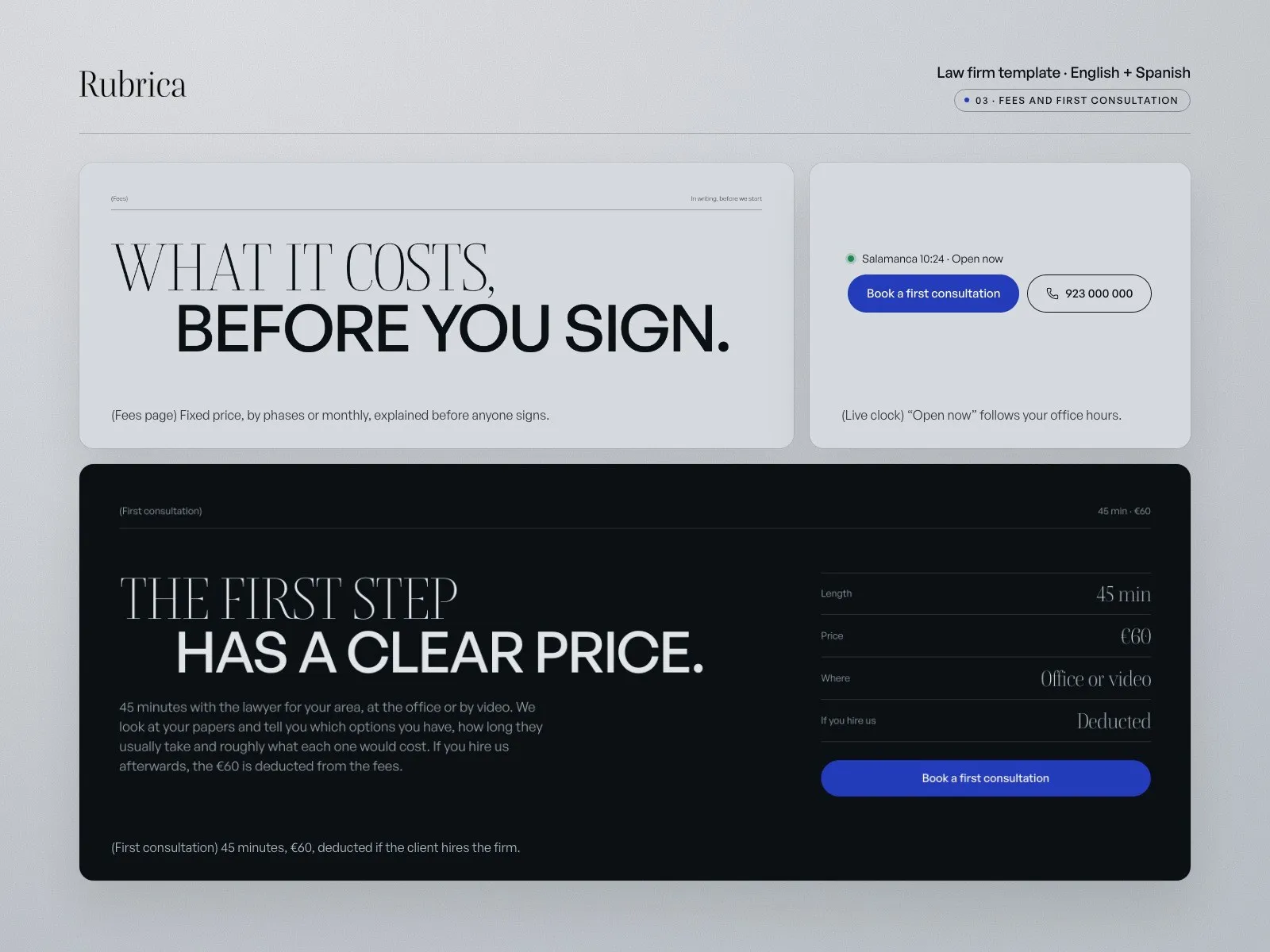
45 minutes, €60, deducted if the client hires the firm. The booking calendar takes a Cal.com or Calendly link, for the firm or for each lawyer, and can take the payment. Without a link it shows a demo diary in the template’s style.
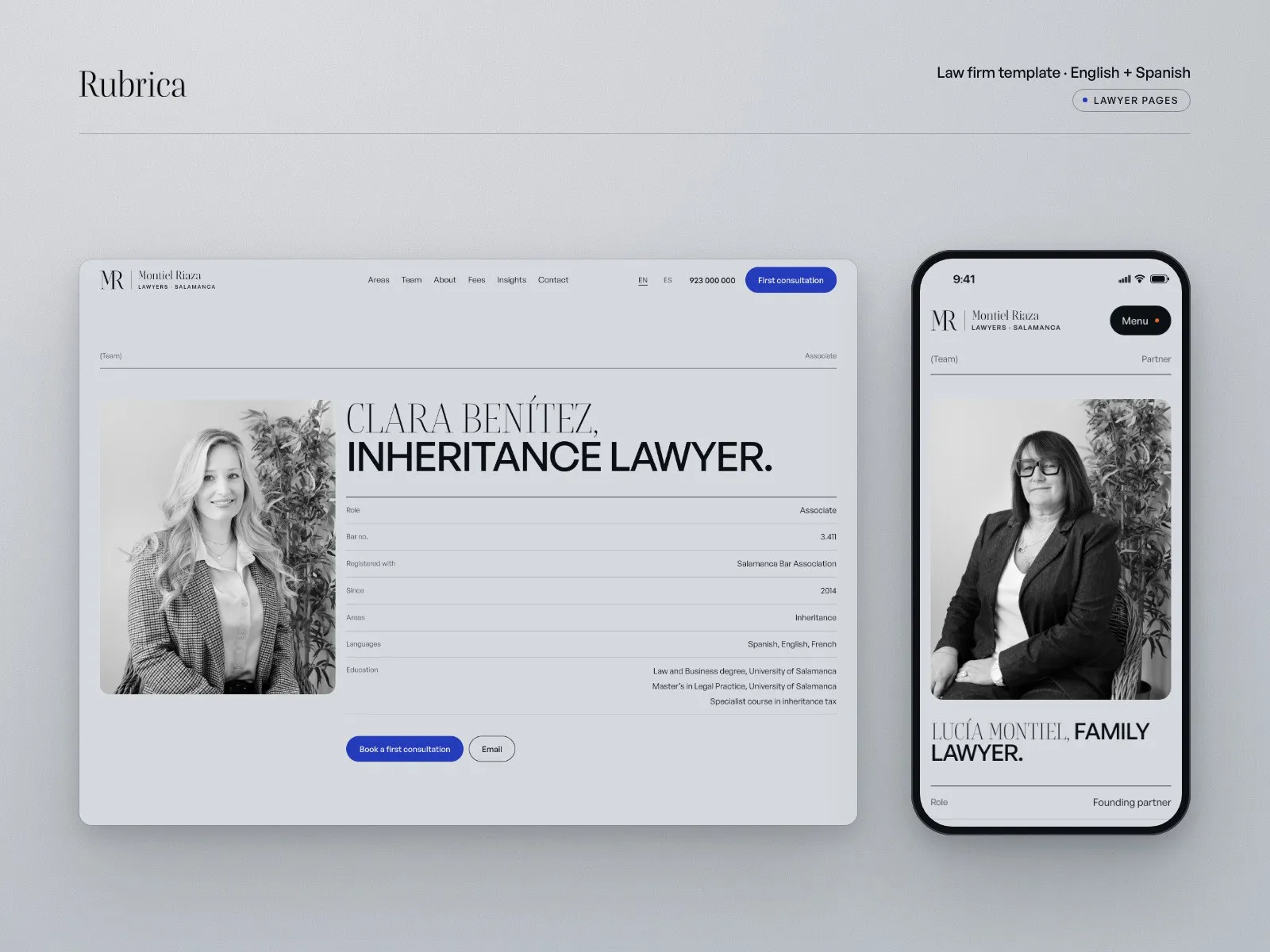
Lawyers with their bar number
Every lawyer has a page with role, bar number, year, practice areas, languages, education and a short bio, plus the articles they wrote. Mediators show their registry instead. Clients know who will handle their case before they call.
Fees in writing, and what we don’t promise
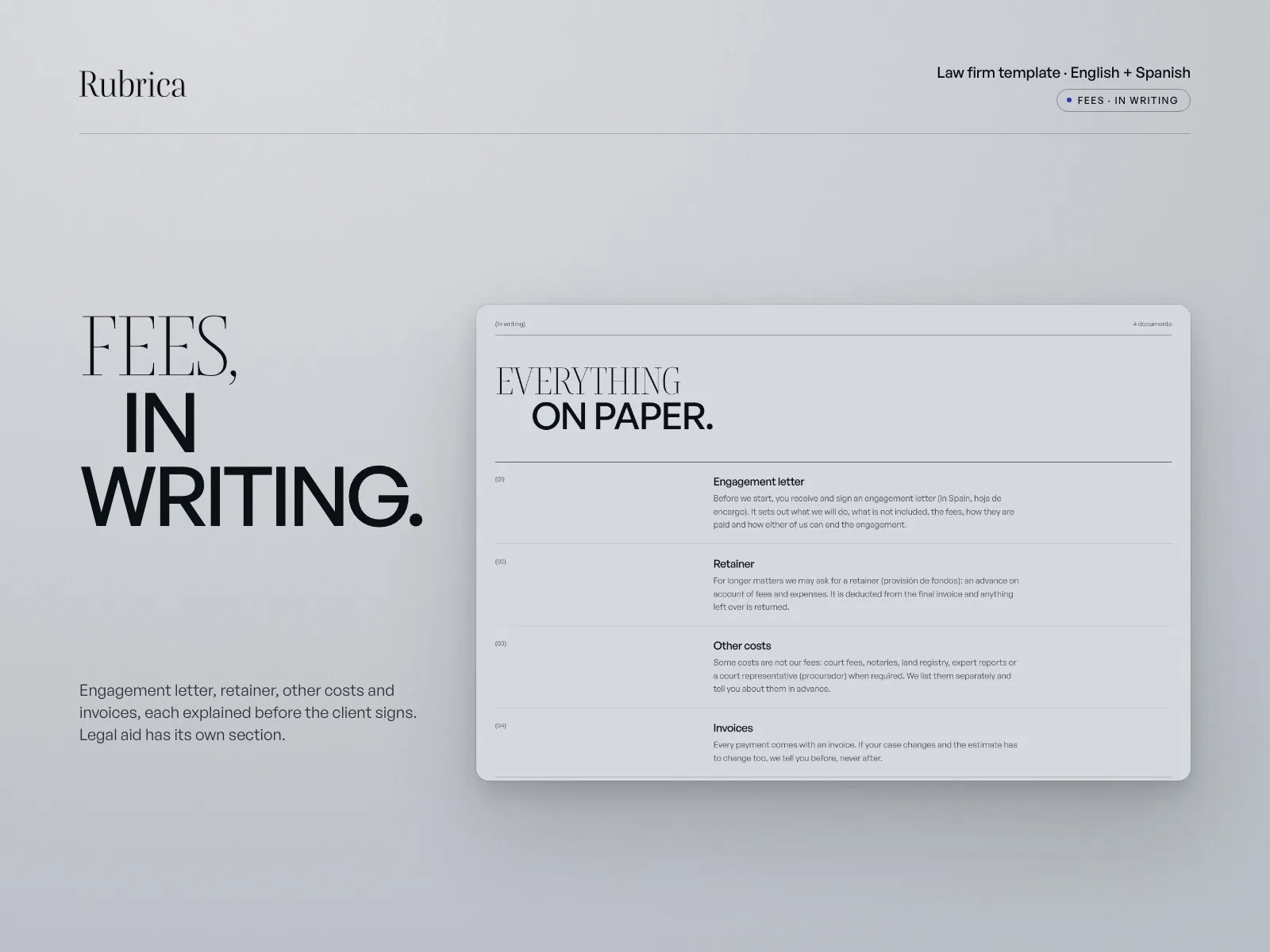
The Fees page explains fixed prices, phased budgets, monthly retainers, the engagement letter and legal aid. Another block lists what the firm will never say: that it will win, success rates or comparisons. The copy follows the rules on lawyers’ advertising in Spain.
English and Spanish, written natively
Both languages are complete: pages, CMS, forms, SEO titles and alt text, with the legal terms a Spanish client expects. Publish one language at no extra cost, or both with Framer’s Localization add-on.
What’s inside
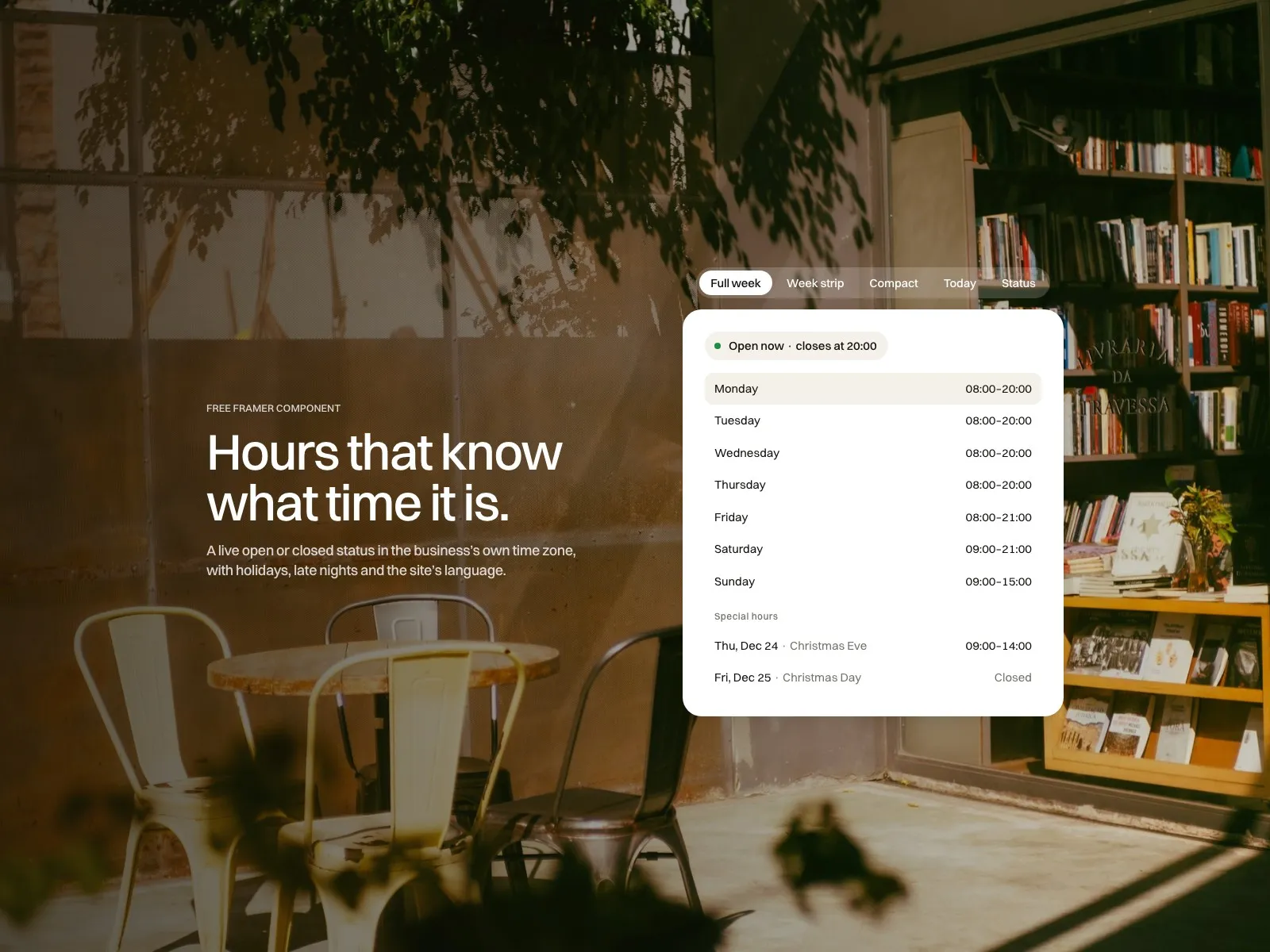
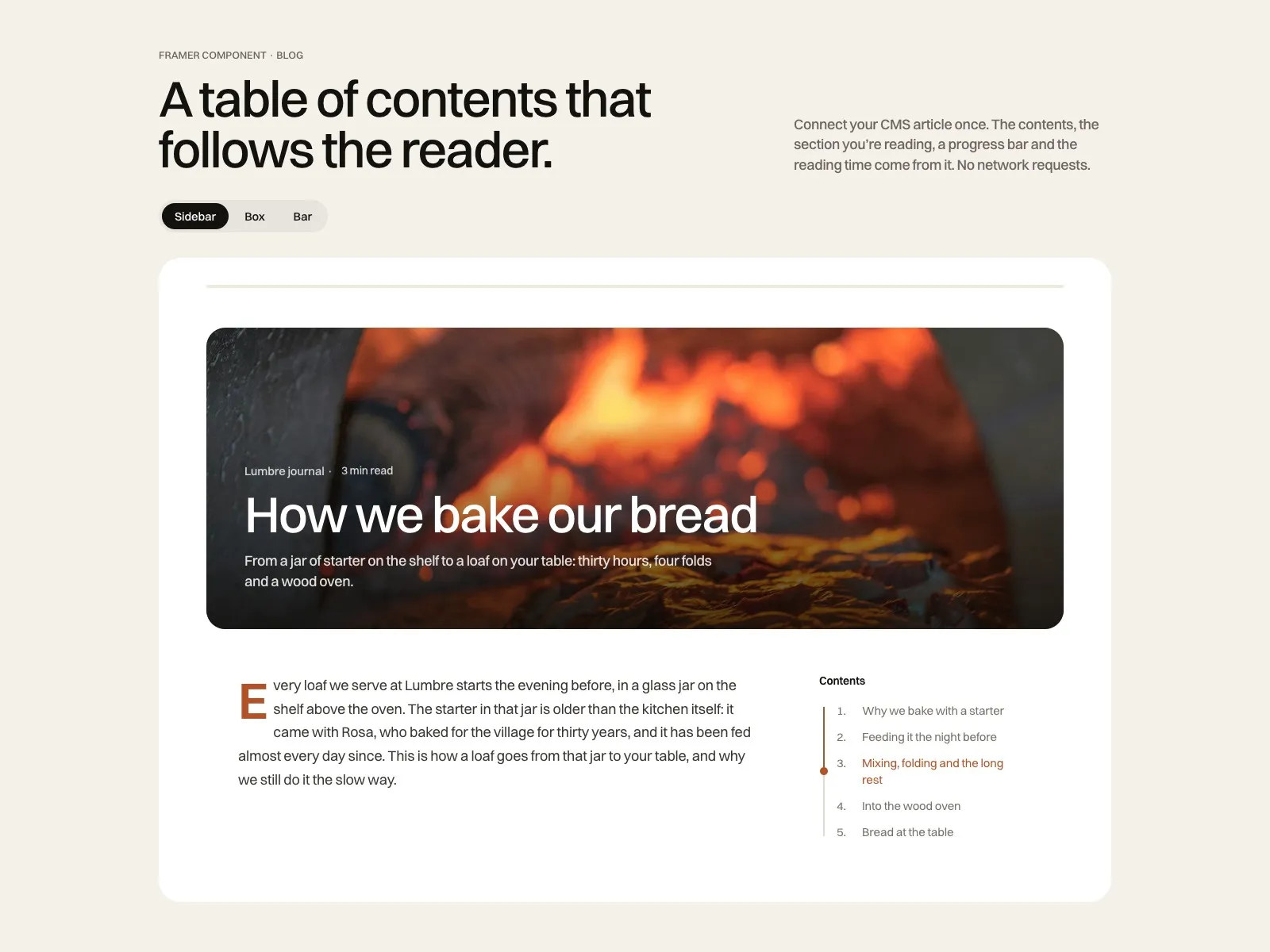
Components that pair with it
View all components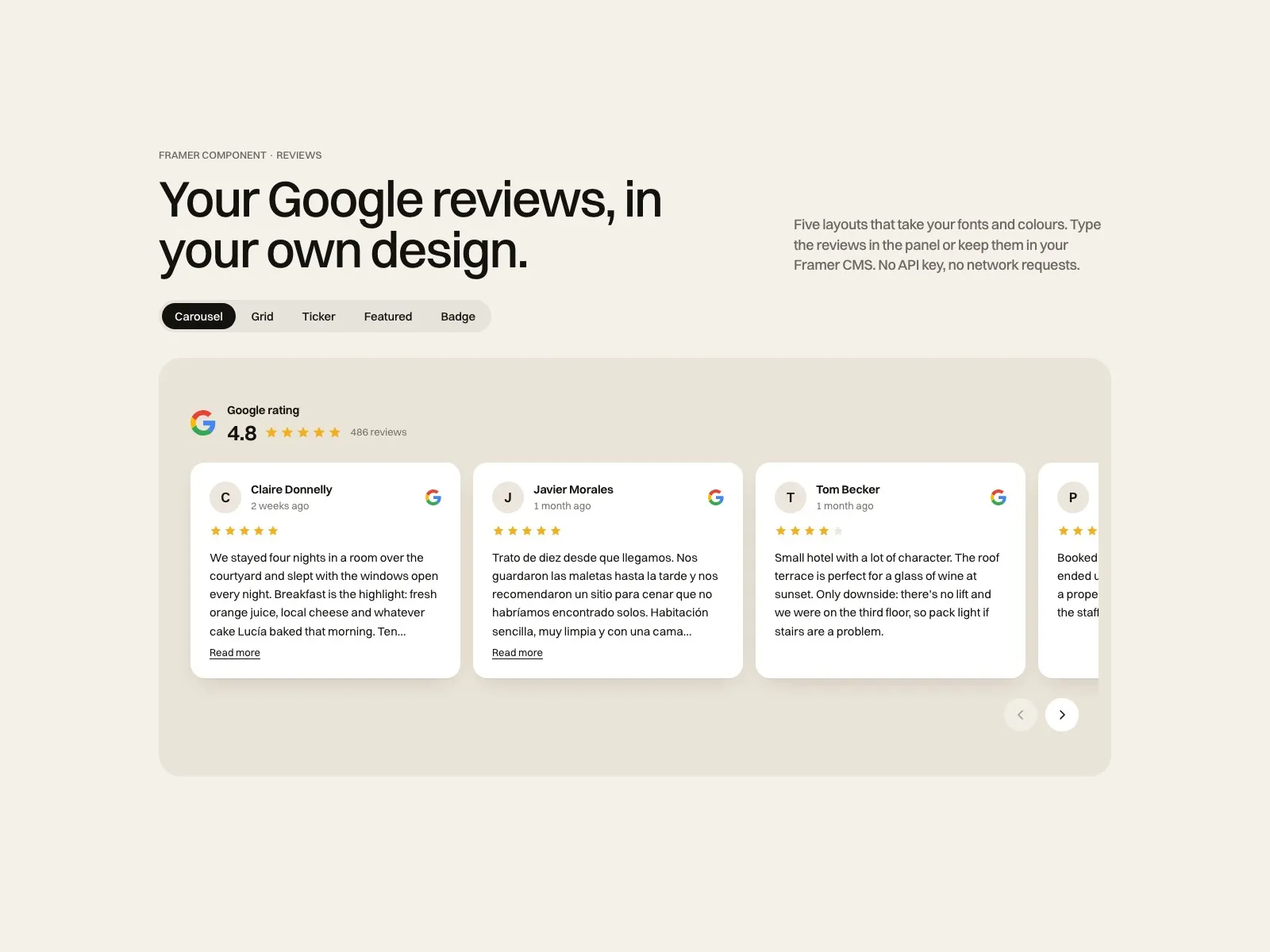
Before you buy
01What happens after I pay?
Polar sends you a receipt and the remix link. Open it, choose your Framer workspace, and the whole site is duplicated into your account with every page, CMS collection and style. The How to edit page inside the project walks you through the first changes.
02Do I need a paid Framer plan?
You can remix and edit on a free Framer account. To publish on your own domain you need a Framer site plan, paid to Framer, not to me. With five CMS collections Rubrica needs Pro, and publishing both languages needs the Localization add-on.
03How does online booking work?
Paste your Cal.com or Calendly link in the booking calendar on Contact, and in each lawyer’s Booking Link field if they keep their own diary. The real booking page replaces the demo and can take the consultation fee.
04Is it only for firms in Spain?
No. The demo firm is in Salamanca and the legal texts follow Spanish rules, but the structure works anywhere: replace the bar details, the fees wording and the legal pages with your own, or keep only the English version.
05What does support cover?
Questions about the template and bug fixes, answered by a person within two business days, Monday to Friday, CET. Custom design or build work is a separate service. Refunds follow the Framer Marketplace policy.

Made by Miguel Recio, identity and web designer
Want it live with your brand? I set it up for you in 5 business days, from $690.
Get Rubrica
One payment. The remix link arrives right after checkout.
Rather not set it up yourself? I do it for you, from $690
Secure checkout by Polar, invoice included. Support by a person within two business days. Refunds follow the Framer Marketplace policy.